
New chapters
The library checks its manga for new chapters on a schedule you choose. This is separate from updates of the app itself and from extension updates (Extensions and repositories).
How the check works
Settings, Library, Library updates sets how often to check: off, every 6, 12, 24 or 48 hours, or weekly. It also checks when the app opens if the interval has passed, and waits while you are offline. You can check by hand for everything, a category or one manga (Check for updates in the command palette too).
- Library and category checks can skip completed manga, manga you have not started, and manga with many unread chapters (you choose how many). Checking a single manga always ignores these rules.
- Update details too also refreshes the cover, description and status; your library title stays.
- If a source drops a chapter you read, bookmarked or downloaded, Matane keeps it.
The Updates page
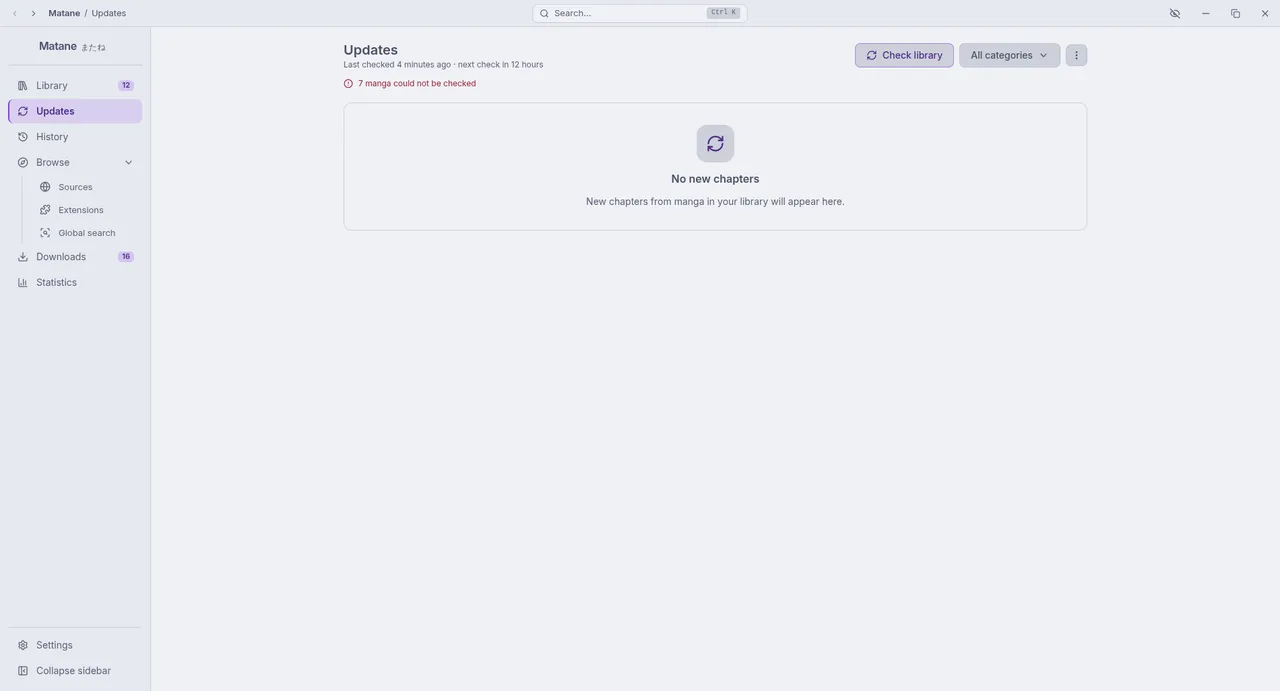
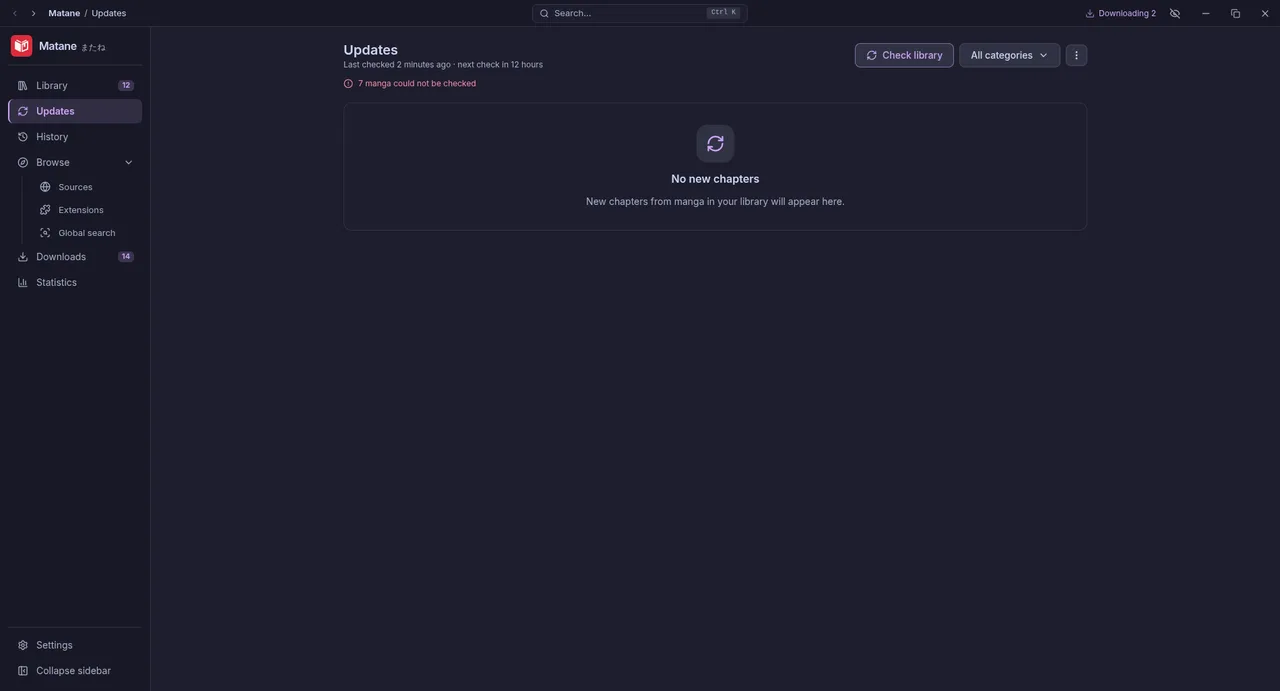
New chapters appear on Updates and as a notification (Notify about new chapters: always for automatic checks, for manual ones when the window is in the background). Entries are marked as seen on purpose rather than by opening the page. From there you can read, download or mark chapters.
Automatic downloads
New chapters can also be downloaded for you: see Automatic downloads.
Running in the background
Checks run while the app runs. Settings, General, System can start Matane at login, hidden in the tray, and keep it running in the tray when you close the window, so checks and downloads go on. Without a system tray (GNOME needs the AppIndicator extension), close to tray is turned off.