
Local files
Matane can read manga that are already on your computer: CBZ files from other apps, scans, your own downloads. It shows up as a source called Local files, so you browse it, add manga to the library, keep progress and history, and read in the same reader.
Setting it up
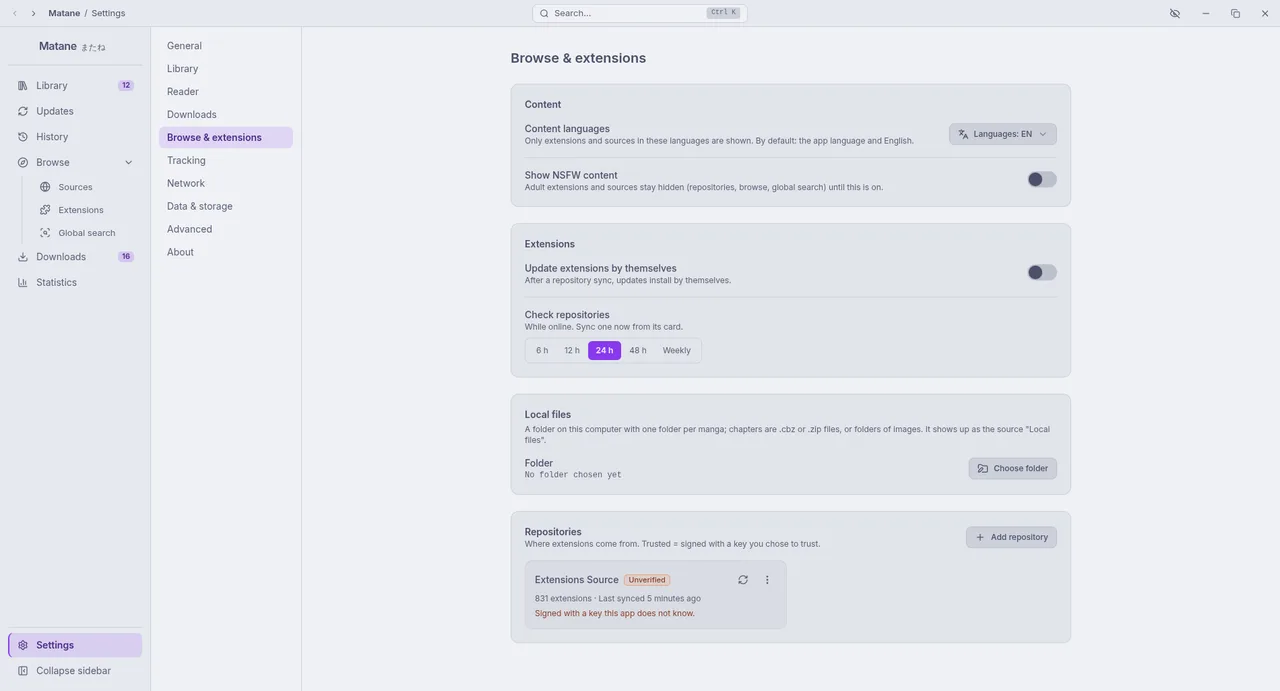
Make a folder with one folder per manga inside it:
Manga folder/
├─ Some Title/
│  ├─ cover.jpg            (optional)
│  ├─ Chapter 1.cbz
│  ├─ Chapter 2.cbz
│  └─ Chapter 3/           a folder of images works too
│     ├─ 001.png
│     └─ 002.png
└─ A One-shot/
   ├─ 001.jpg              images right in the folder: one chapter
   └─ 002.jpg
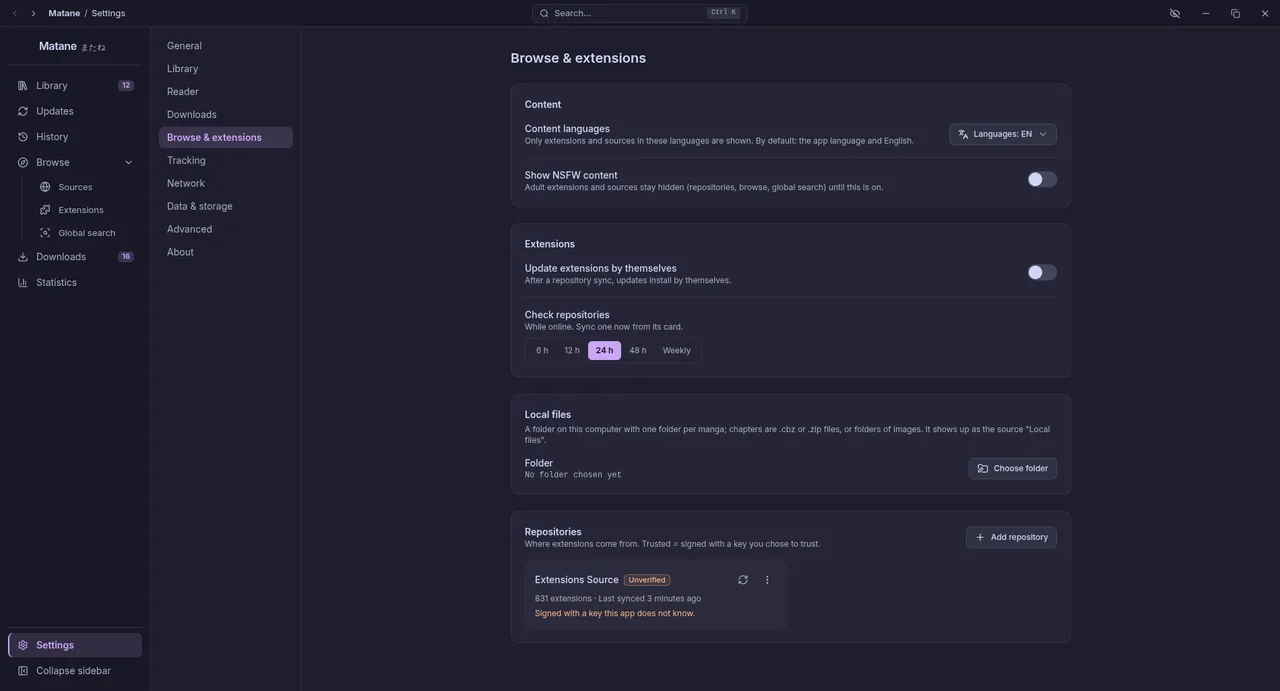
Open Settings → Browse & extensions → Local files and choose the folder.
Open Browse → Sources → Local files.
What it understands
- Chapters are
.cbzor.zipfiles, or sub-folders of images (.jpg,.png,.webp,.gif,.avif). Names sort naturally: "Chapter 2" comes before "Chapter 10". - Cover:
cover.jpg,cover.pngorcover.webpin the manga's folder; without one, the first page of the first chapter. - Details: a
ComicInfo.xmlnext to the chapters, or inside the first CBZ, gives the title, author, artist, summary and genres. .cbr,.rarand.7zarchives are not supported; convert them to CBZ.- Files and folders whose names start with a dot are ignored.
Good to know
- Updates: add a chapter file to a manga's folder, then use Refresh from source on its page (or let the library update check find it).
- Nothing to download: the files are already on your computer, so download actions are hidden. There is no web page either.
- Safe by design: Matane only reads inside the folder you chose. A symbolic link that points outside it is ignored.
- Moving the folder: your library stores paths relative to the folder, so you can move it or choose another location with the same contents. If you restore a backup on another computer, choose the folder there again.
- Stop using it: Stop using in the same setting forgets the folder; manga already in your library stay, and open again once a folder is chosen.