
Reader settings
Settings, Reader sets how the reader behaves for every manga. The reader's own menu (the gear) changes the same options for the manga you are reading; those choices are remembered per manga. Changes save at once.
Defaults
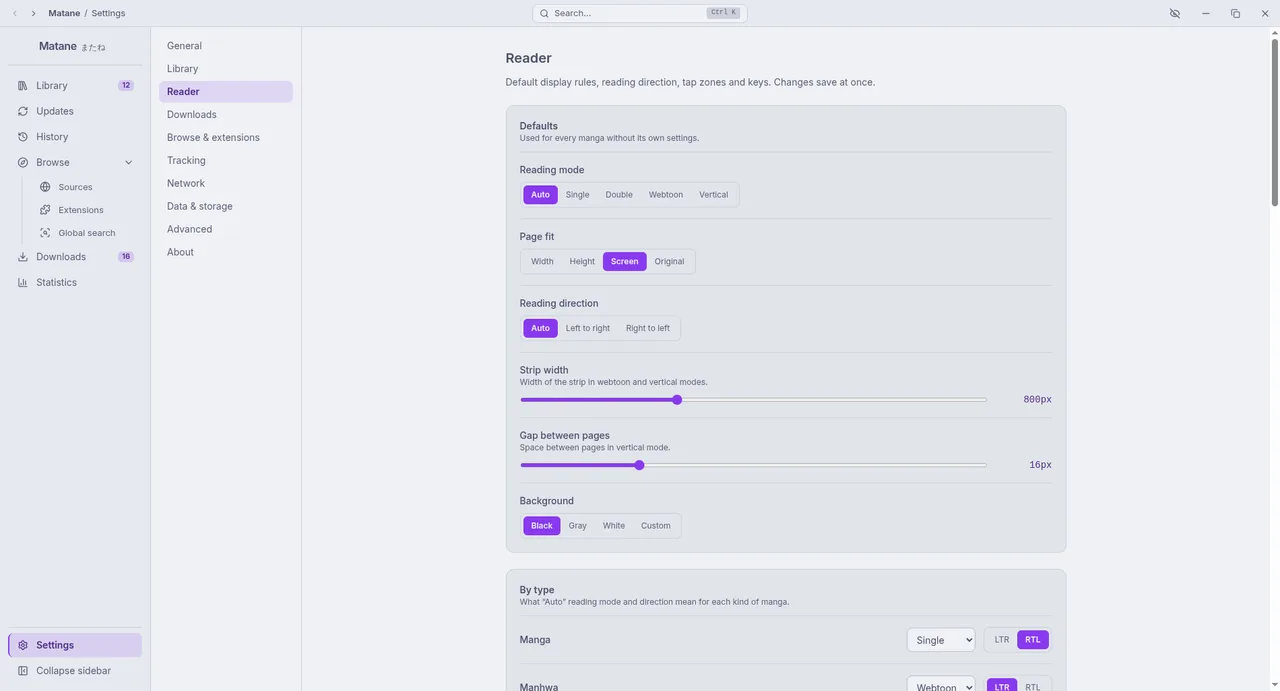
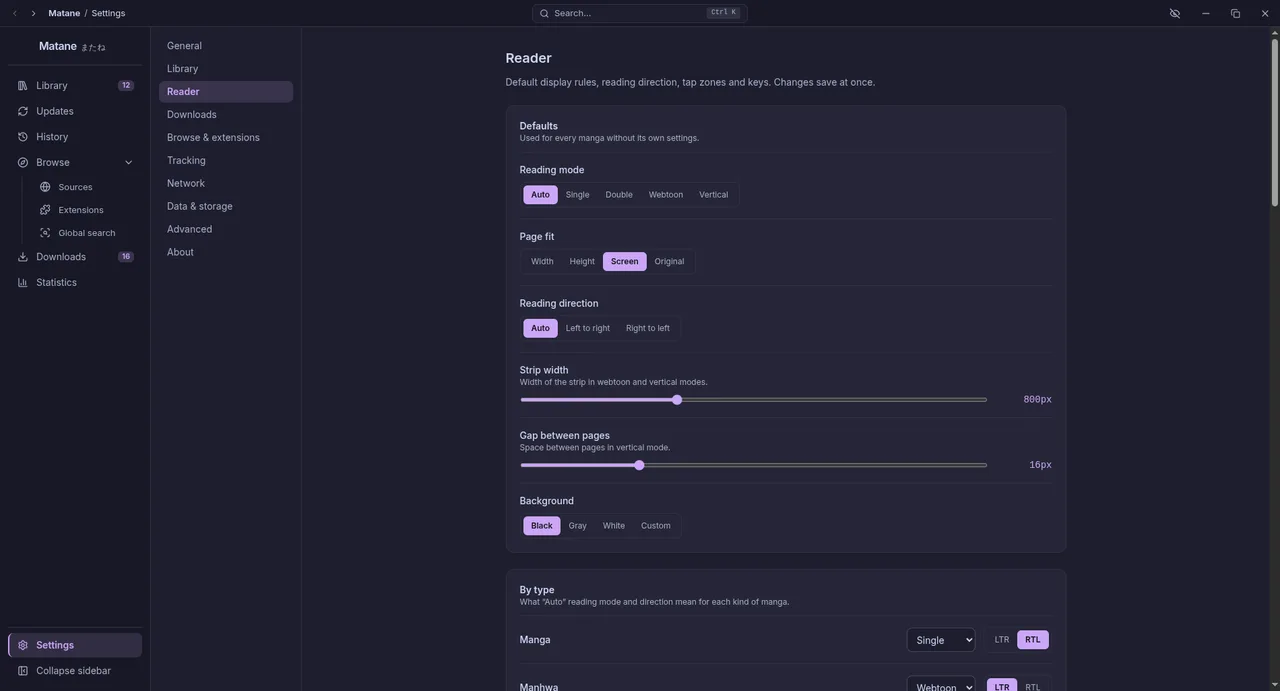
Used for every manga without its own settings: the reading mode, direction, image fit, strip width (webtoon and vertical modes), the gap between pages (vertical mode) and the background colour.
By type
What Auto means for each kind of manga: the reading mode and direction for manga, manhwa, manhua, comic and unknown types. By default manga reads as right-to-left pages and manhwa as a strip.
Navigation
- Tap zones: several layouts with a preview, and Invert tap zones to swap the previous and next zones.
- Scroll wheel turns pages: in page modes, the wheel turns the page once a tall page is scrolled to its edge.
Keyboard shortcuts
Click + next to an action, press the key (with Ctrl, Alt or Shift if you like), or Esc to cancel. A key belongs to one action only: if it is taken, Matane names the action, and you remove the key there first. You can reset one action or all of them. The defaults are in Reader, Keys.
Display
Brightness, contrast, warm tint (a sepia tone that is easier on the eyes at night), grayscale and invert colours; crop borders, split tall pages, the page number indicator and the auto-scroll speed. See Reader, Display.
Performance
Preload pages sets how many pages load ahead of the one on screen: fewer for a slow connection, more for smoother reading.