
Introduction
Matane (またね, Japanese for "see you later") is an open-source manga reader for the desktop: close it now and pick up on the same page next time. It keeps a library with your reading progress, reads in paged or webtoon mode, downloads chapters for offline reading and tells you when new chapters come out.
Matane hosts no content
The app does not host or distribute manga. Sources are provided by extensions, small programs that read a website for you.
How it fits together
- Extensions turn a website into one or more sources (often one per language). You install them from a repository, a signed list of extensions (Extensions and repositories).
- Browse a source, open a manga and add it to your library. Chapters you read are remembered, and the library checks for new chapters by itself.
- The reader picks a mode from the kind of manga (webtoon strip for manhwa, right-to-left pages for manga), and you can change it per manga (Reader).
- Downloads keep chapters on your computer (Downloads and offline).
- Everything stays on your computer. The only requests are to the sources you use, the repositories you added, and GitHub for updates. There is no telemetry.
First start
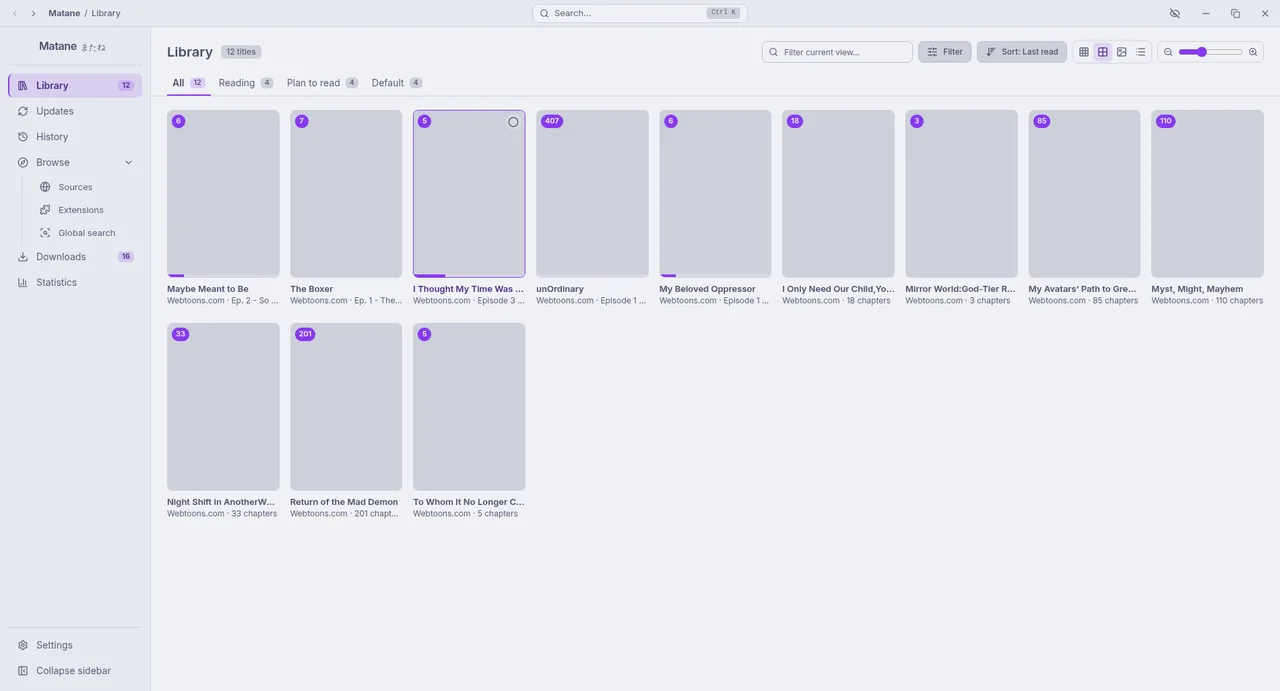
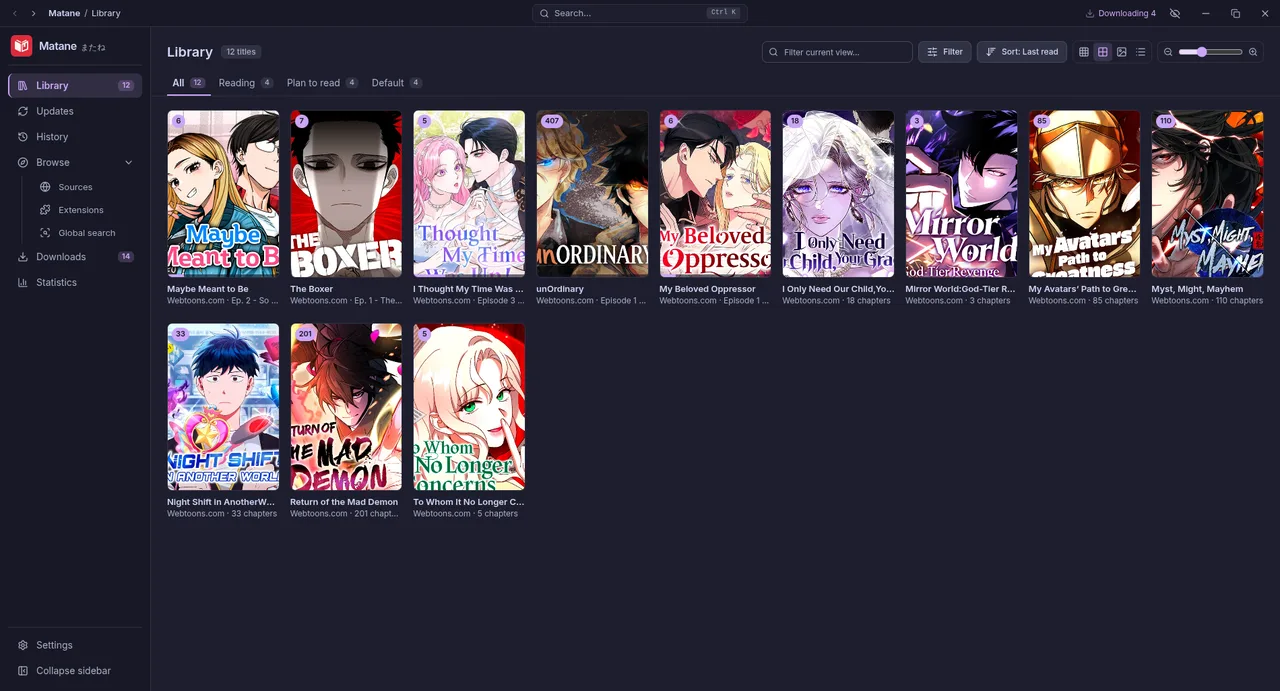
A short setup asks for the language, theme, the languages of the content you read, the download folder and whether to install sources now. You can run it again from Settings → About → Run setup again.
Press Ctrl+K anywhere for the command palette: pages, settings, your library, recent chapters and actions such as "Check for updates" or "Back up now".
Appearance
The interface uses the Catppuccin palette. In Settings, General: pick Mocha (dark, the default), Macchiato, Frappé, Latte (light) or match the system, a pure black background for OLED screens, and one of 14 accent colours. The app is available in English and Indonesian.
Where to go next
- New here? Follow Getting started.
- Something not working? See Troubleshooting and the FAQ.
- Every option explained: Settings reference.
- Want to write a source? Read Writing extensions.