
Categories
Categories group your library the way you like: by genre, by how much you like it, by what you are reading now. They are optional. A manga can be in several categories at once, or in none.
The library shows an All tab with everything, a tab per category and, once you have at least one category, a Default tab with the manga that are in none.
Making and managing categories
Open Settings, Library, Categories to add, rename, reorder (drag) and delete categories. Deleting one keeps its manga in your library, under Default if it was their only category. Right-clicking a category tab in the library offers the same actions.
Putting manga in a category
- On a manga's page, or from the right-click menu in Browse and the library: set its categories.
- In the library, Select several manga and choose Set categories.
Using categories
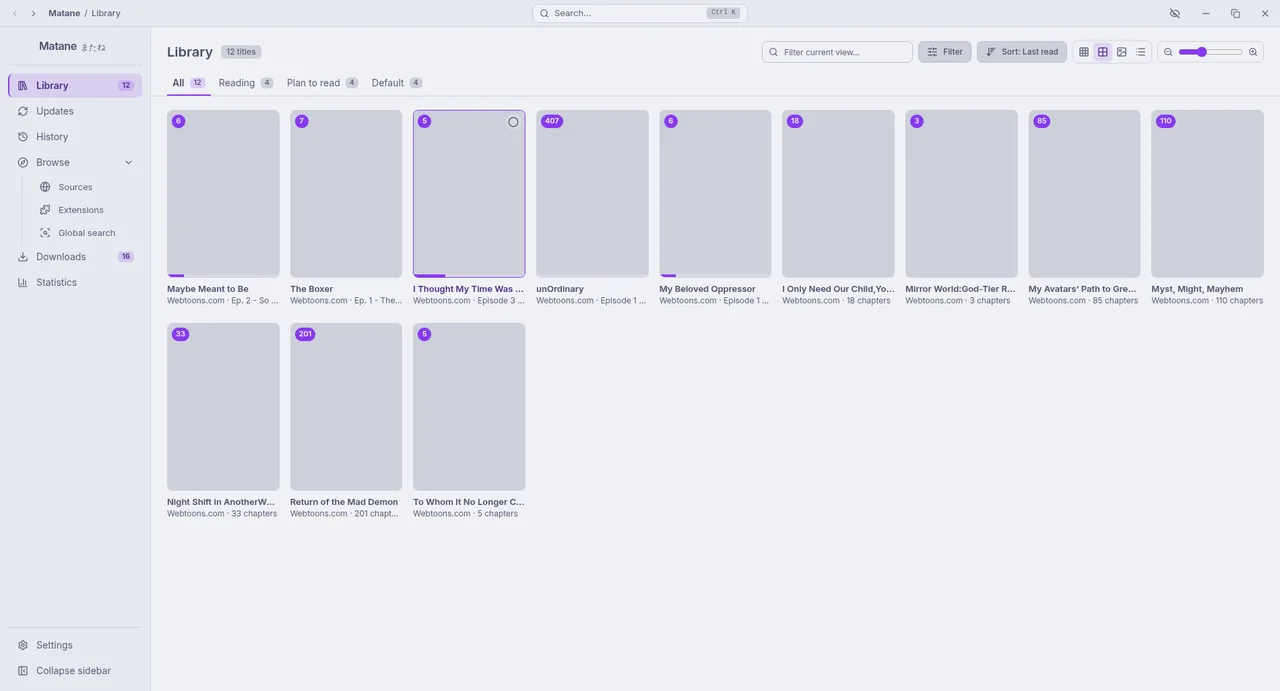
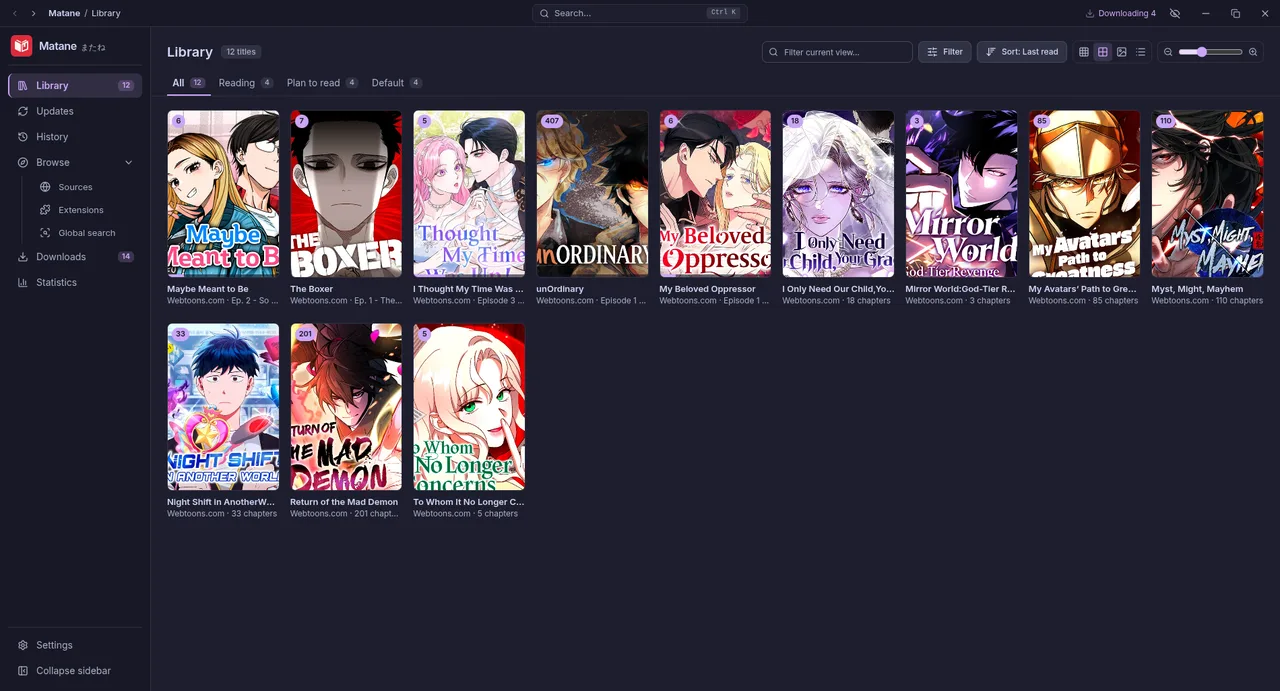
- Each category is a tab in the library.
- New-chapter checks can run for one category only.
- Auto-download can include or exclude categories, and Settings, Downloads can keep the downloads of some categories after you read them.
- Categories are part of a backup and carry over when you migrate.