
Extensions and repositories
A source is a website Matane can read from; an extension provides one or more sources (often one per language). Extensions are installed from repositories.
Installing
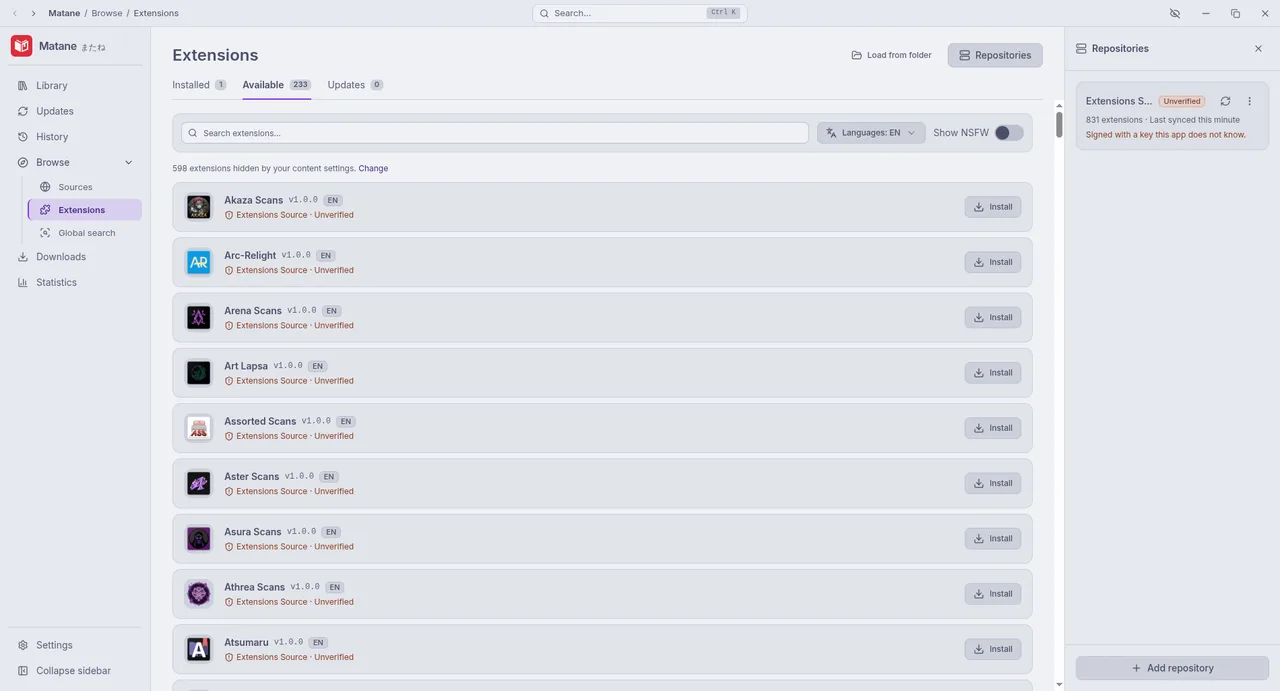
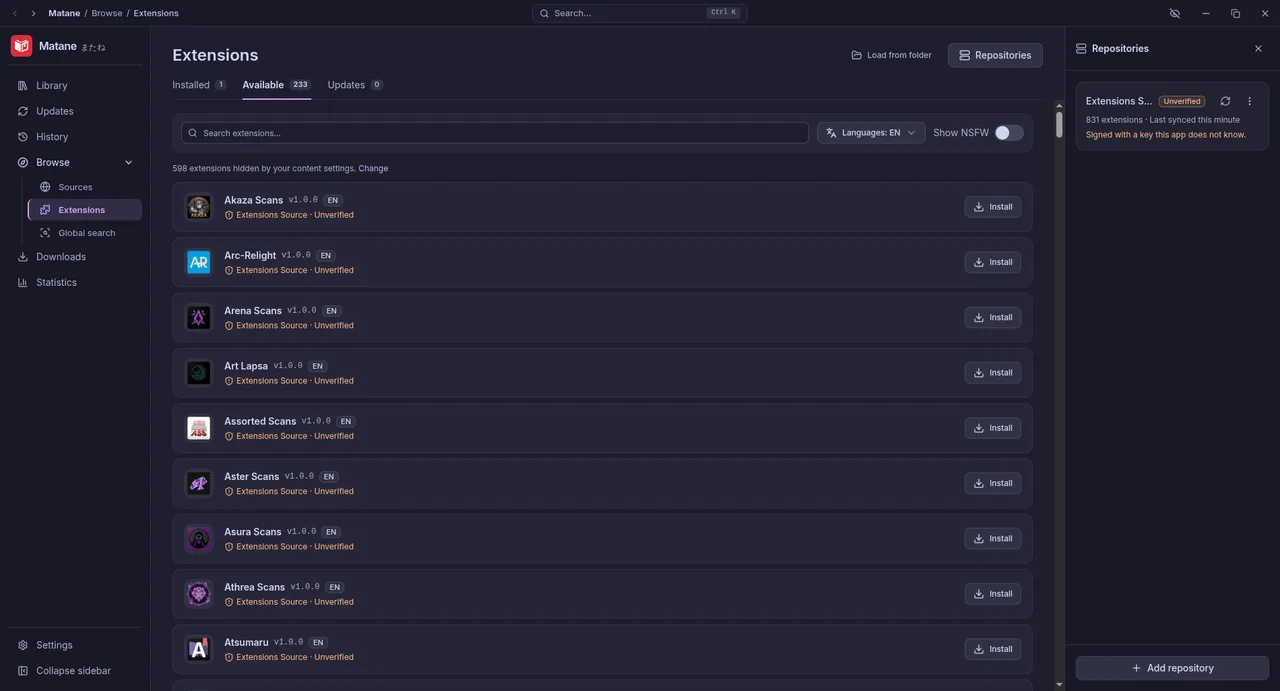
Open Extensions. The list shows what the repositories you added offer, filtered by your content languages. Install shows:
- the repository and whether it is trusted,
- its version and size.
Updates appear on the same page; Update all installs them. Settings → Browse & extensions can update extensions by themselves.
Uninstall removes an extension with its settings, data and cookies. Its manga stay in your library as "source not installed" until you install it again.
Repositories
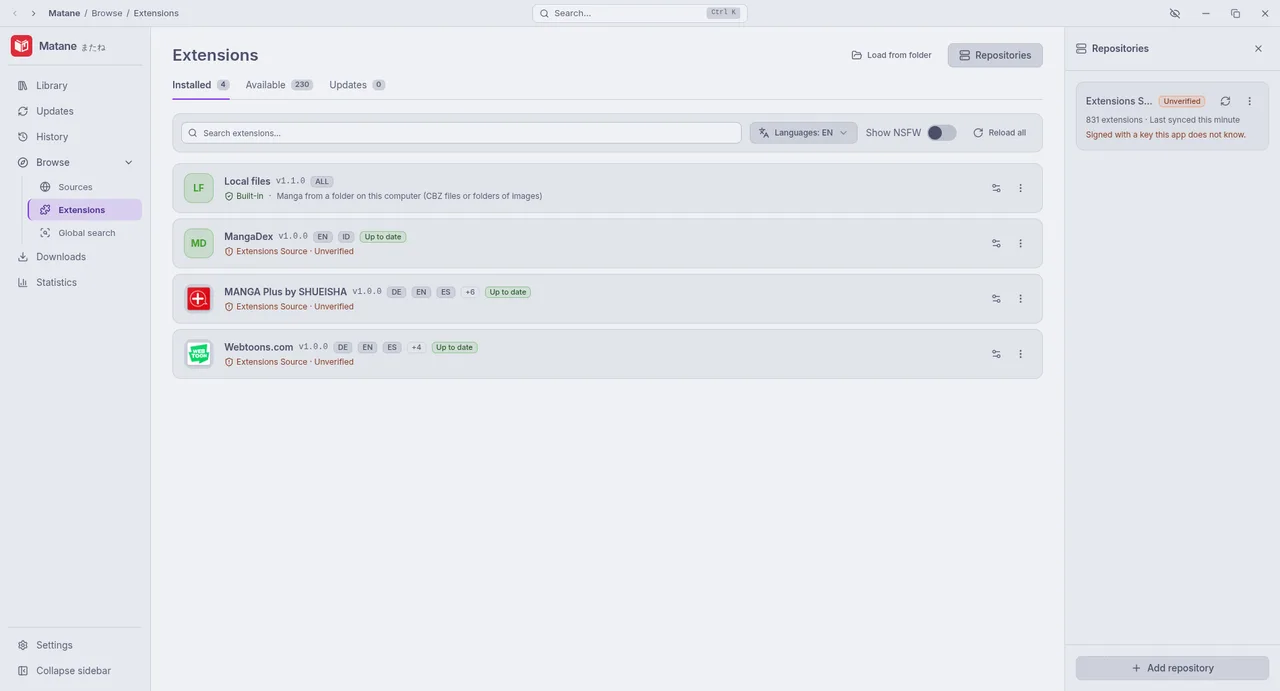
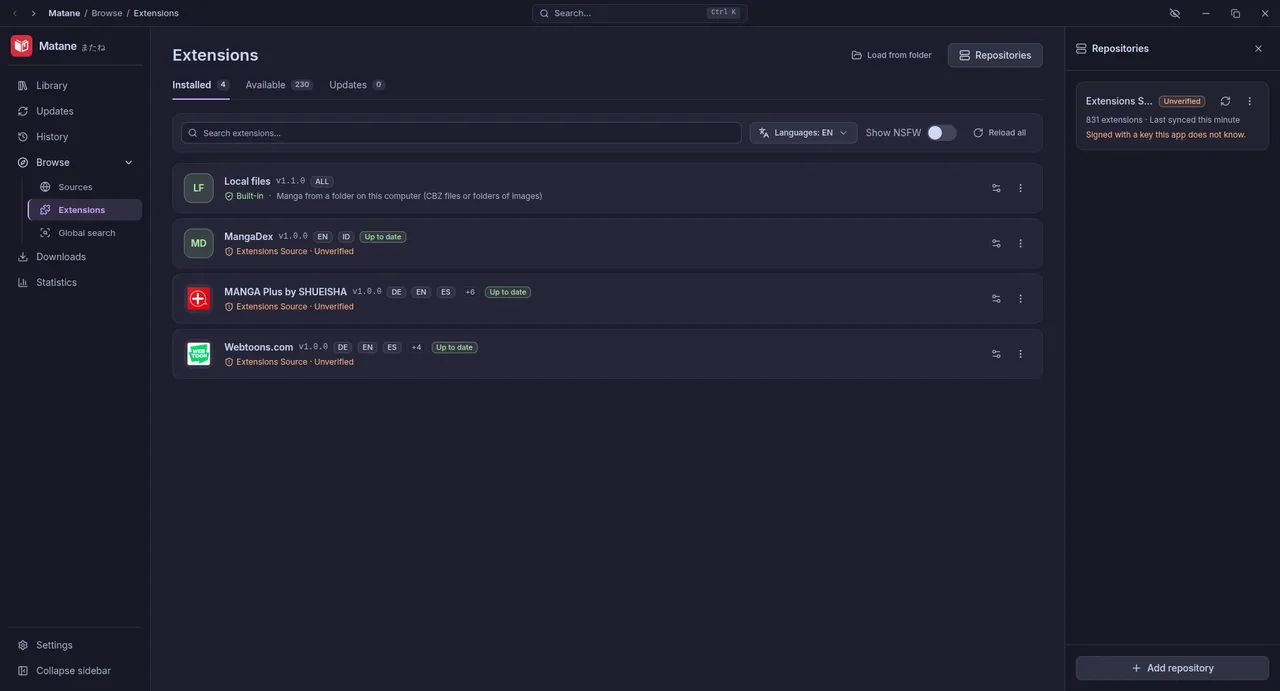
Matane comes without any repository. Add one by its URL (Extensions → Repositories). Every repository index is signed:
- Trusted: signed with a key you chose to trust when adding it.
- Unverified: no signature you know. Matane asks before adding it and warns before every install from it.
Every downloaded extension must match the signed checksum before anything is written to disk.
Only add repositories you trust
An extension cannot read your files, but it can make requests to any website and it sees what you browse in its sources.
Languages and adult content
Settings → Browse & extensions → Content languages decides which extensions and sources are shown in Extensions, Browse, global search and migration. Sources marked as adult content stay hidden until you turn them on there.
When a source misbehaves
- Extensions → ⋮ → View logs shows the extension's own messages, every request it makes and every failed call.
- Some sites check visitors with Cloudflare: Matane solves the check, and opens a window when you need to help.
- Problems with a source belong in its repository's issue tracker, not Matane's. Settings → Advanced → Copy debug info gives the details to include.
Want to write one? See Writing extensions.