
Settings reference
Every page of Settings, with what each option does. Changes apply right away and are saved; there is no Save button.
General
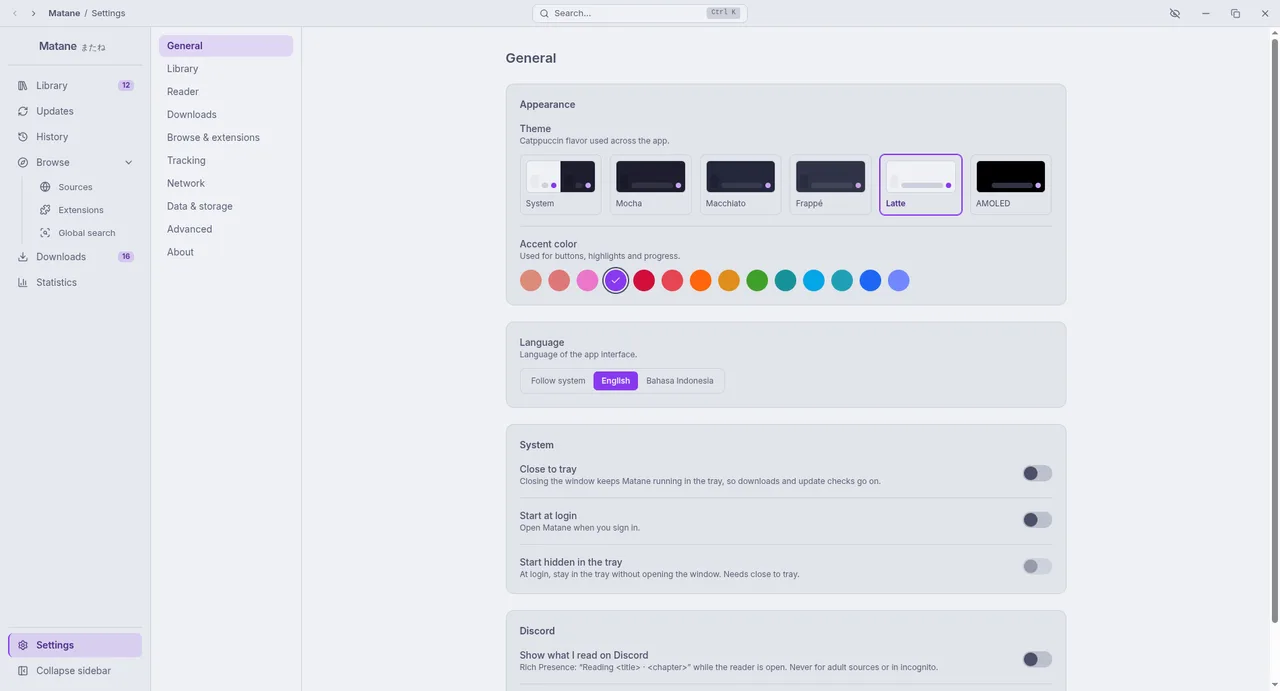
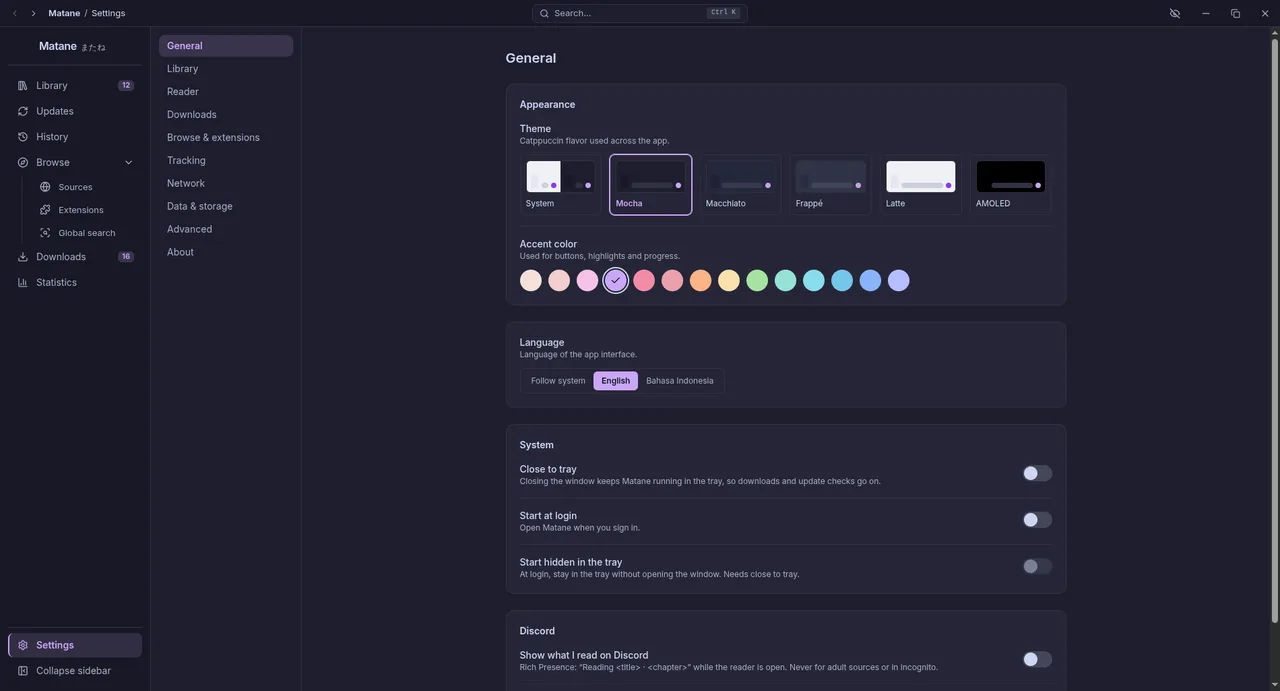
- Theme: Mocha (dark, the default), Macchiato, Frappé, Latte (light) or System; AMOLED makes the dark themes pure black. Accent colour: one of 14 Catppuccin colours.
- App language: English, Bahasa Indonesia, or match the system.
- System: Close to tray keeps Matane running when you close the window, so downloads and update checks go on (a desktop without a system tray cannot do this; on GNOME install the AppIndicator extension). Start at login, and Start hidden in the tray.
- Discord: Show what I read on Discord turns on Rich Presence ("Reading title · chapter") while the reader is open; never for adult sources or in incognito. Hide the title shows only "Reading manga".
Library
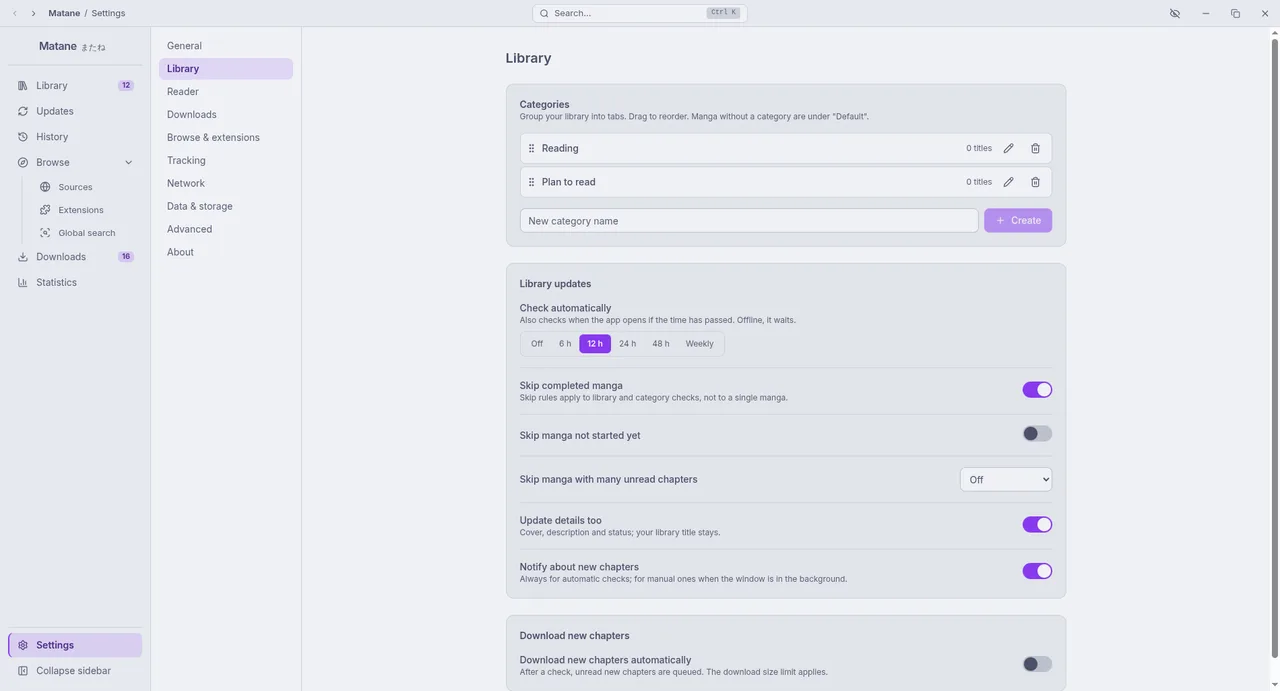
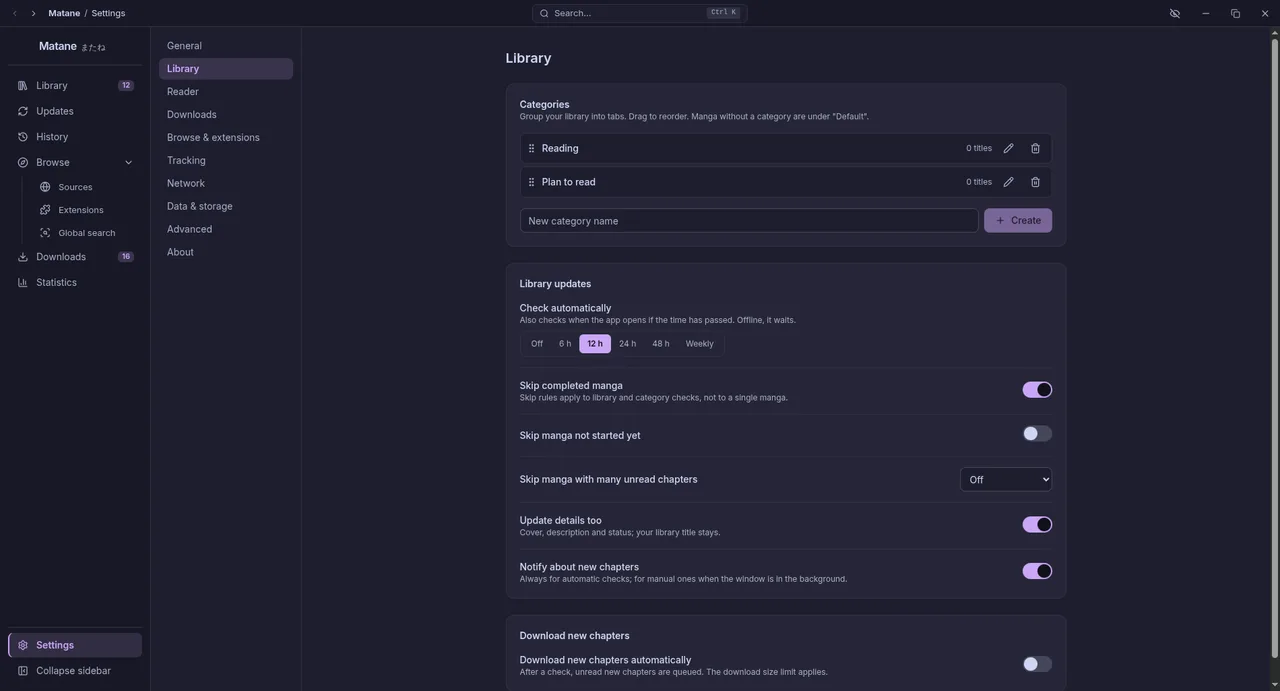
- Categories: add, rename, reorder and delete (Categories).
- Library updates: how often to check, which manga to skip, whether to update details, notifications, and Download new chapters automatically (New chapters, Automatic downloads). Auto-download can be limited to manga you started, and set per category: Include (only those categories) or Exclude (never this one).
Reader
Defaults, tap zones, keyboard shortcuts, colour filters and performance: see Reader settings.
Downloads
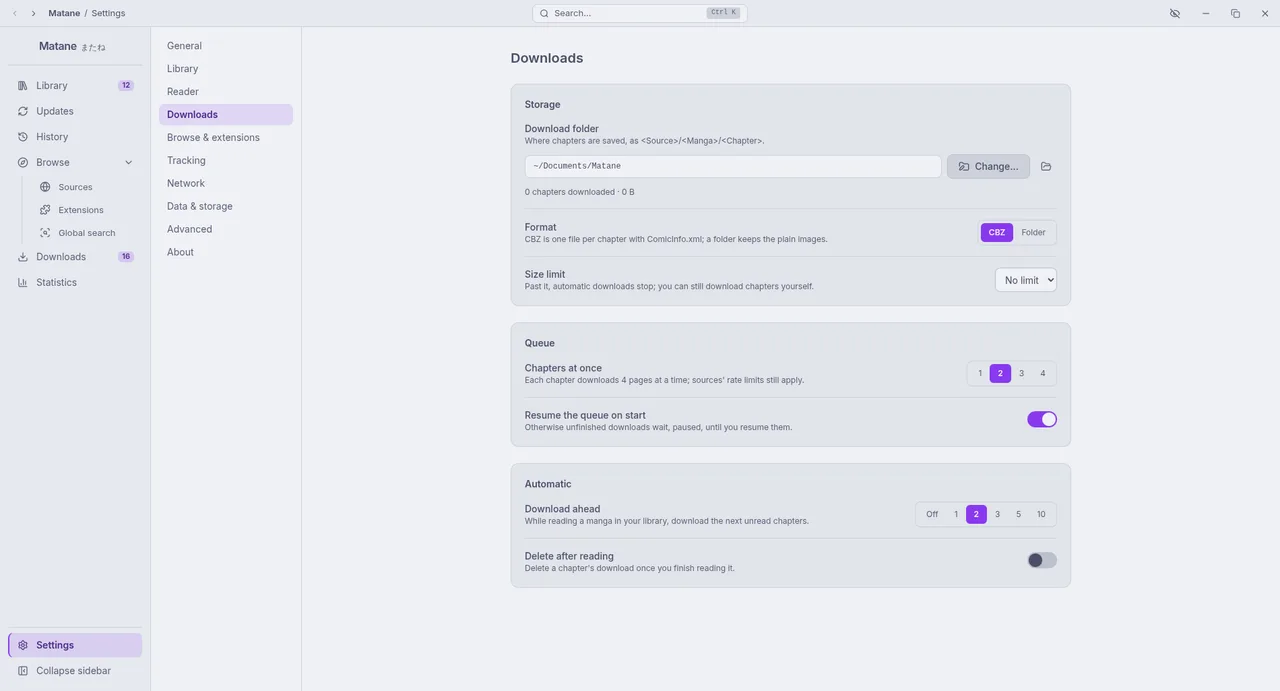
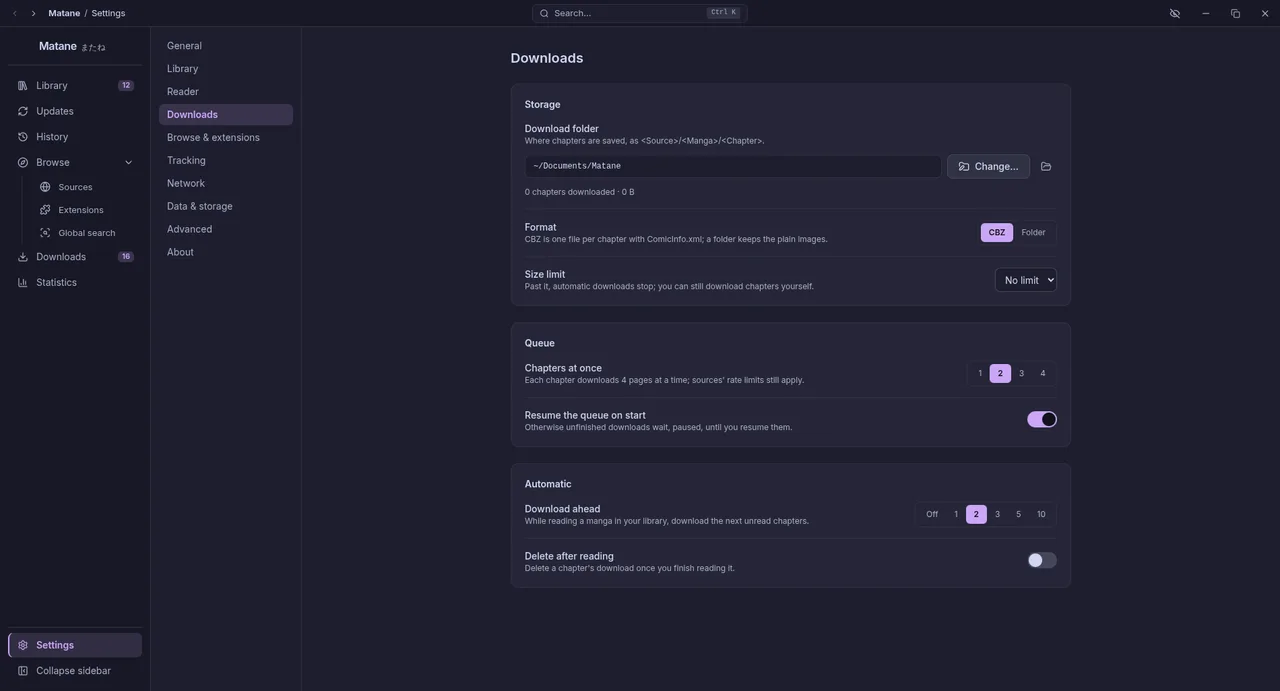
- Download folder: where chapters are saved, as
<Source>/<Manga>/<Chapter>, with how much is used. Changing it offers to move the downloaded chapters. - Format: CBZ (one file per chapter with
ComicInfo.xml) or a folder of images. - Size limit: past it, automatic downloads stop; you can still download by hand.
- Queue: Chapters at once (each chapter fetches 4 pages at a time) and Resume the queue on start.
- Automatic: Download ahead while reading, and Delete after reading, right away or after a few more chapters, with Keep bookmarked chapters and categories whose manga keep their downloads.
Browse & extensions
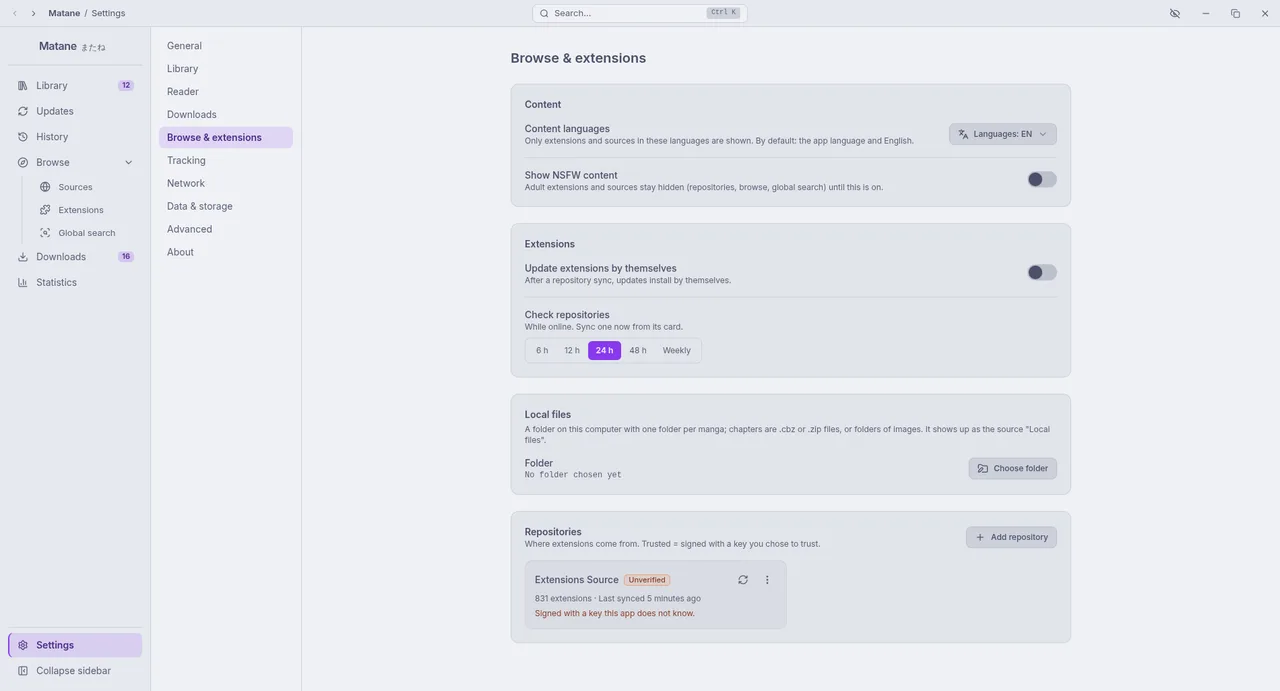
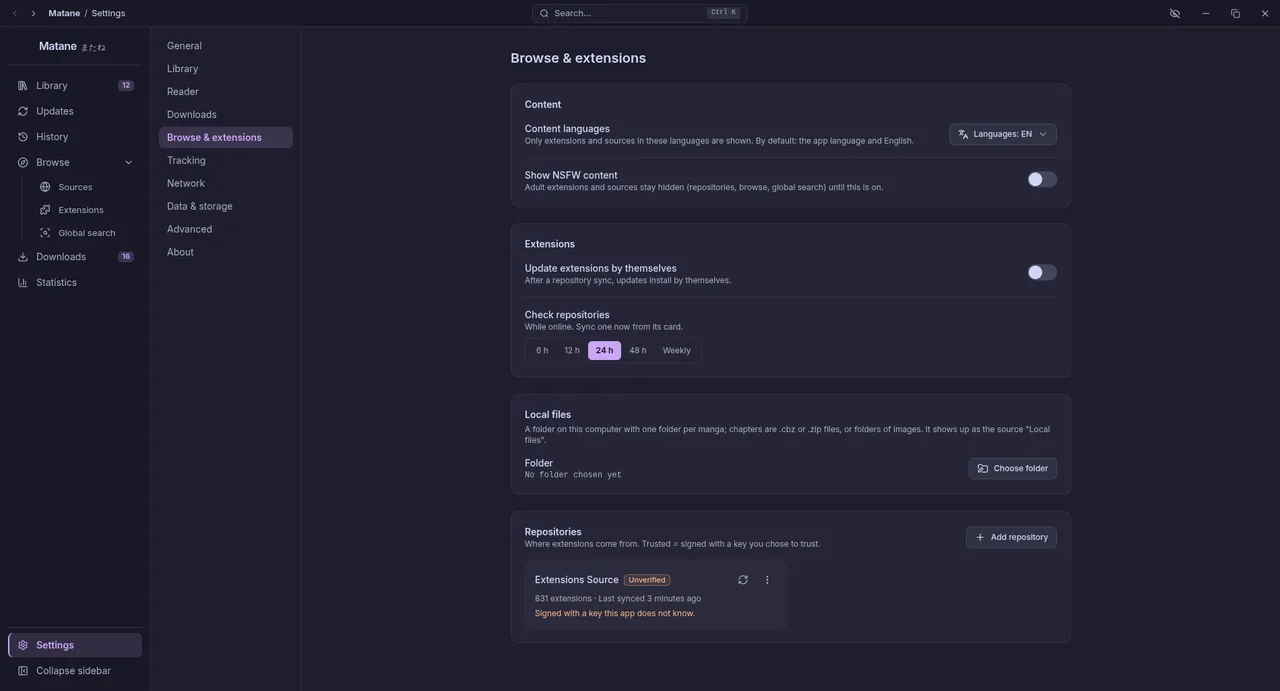
- Content languages: only extensions and sources in these languages are shown (default: the app language and English).
- Show NSFW content: off by default; adult extensions and sources stay hidden in repositories, Browse and Global search until you confirm.
- Update extensions by themselves after a repository sync, and how often to check repositories (while online).
- Repositories: where extensions come from; trusted means signed with a key you chose to trust.
- Local files: the folder for the Local files source.
Tracking
Connect AniList, MyAnimeList, Kitsu and MangaUpdates: see Trackers.
Network
DNS-over-HTTPS, proxy, User-Agent and Test connection: see Network.
Data & storage
- Backup: back up now, automatic backups, the backup folder and restore (Backups).
- Cache: the page cache (pages you read are kept for offline reading; set its size, or Clear page cache) and browse covers (covers of manga outside the library; library covers stay).
- Storage: what downloads, the data folder and logs use, with buttons to open them.
- Clear data: Clear history empties the History page (progress and read chapters stay); Clear statistics forgets reading time and sessions.
Advanced
- Extension development: load an extension from a folder; it reloads when you rebuild it.
- Diagnostics: Log level (error, warning, info, debug), Logs and Crash reports (opens the folders; crash reports never leave your computer), and Copy debug info for bug reports (Diagnosis).
About
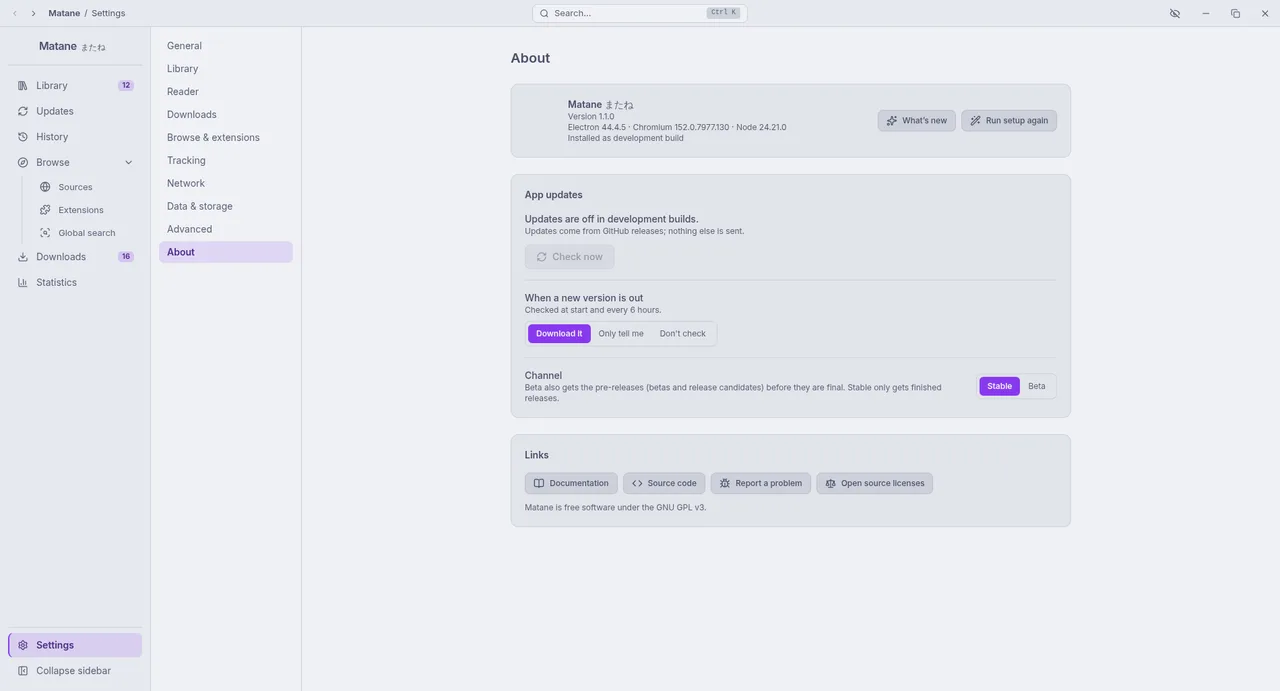
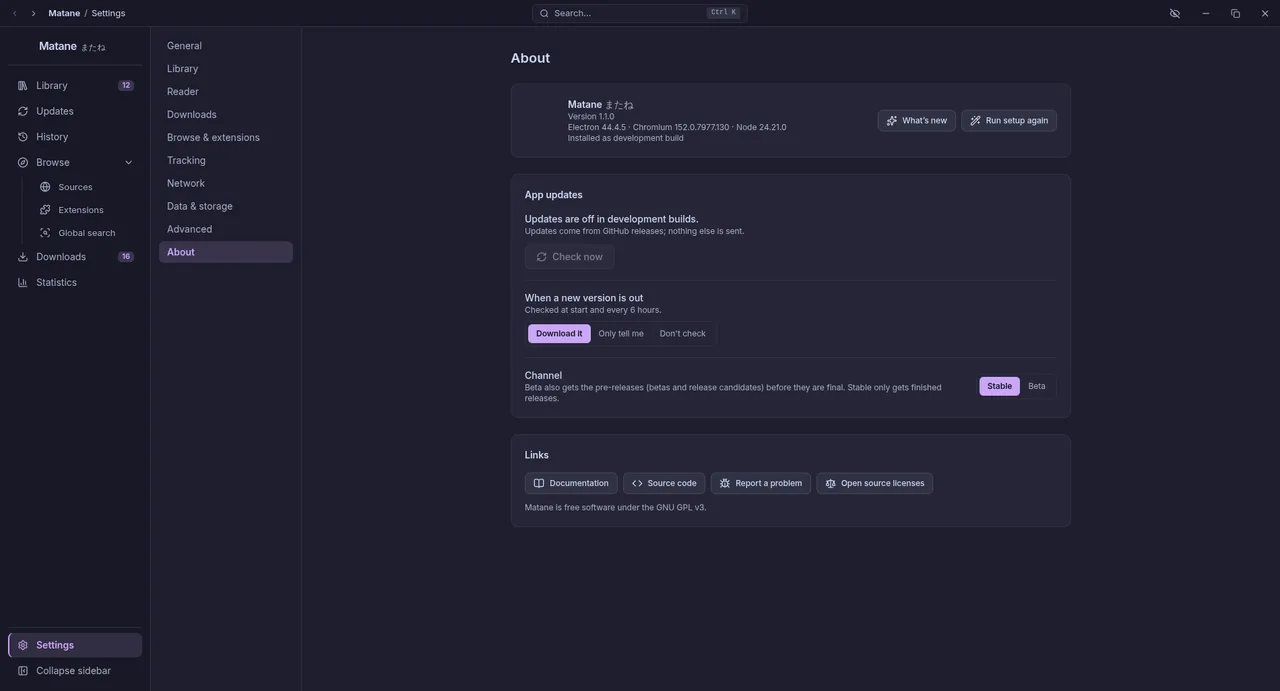
- The version, how Matane was installed, and the Electron, Chromium and Node versions.
- App updates: Download it, Only tell me or Don't check; the channel (Stable or Beta, which also gets pre-releases); Check now. Packages from a package manager only tell you a new version is out (Updating).
- What's new, Run setup again, links to the documentation, source code and issue tracker, and the open source licenses.