
Downloads and offline
Downloading
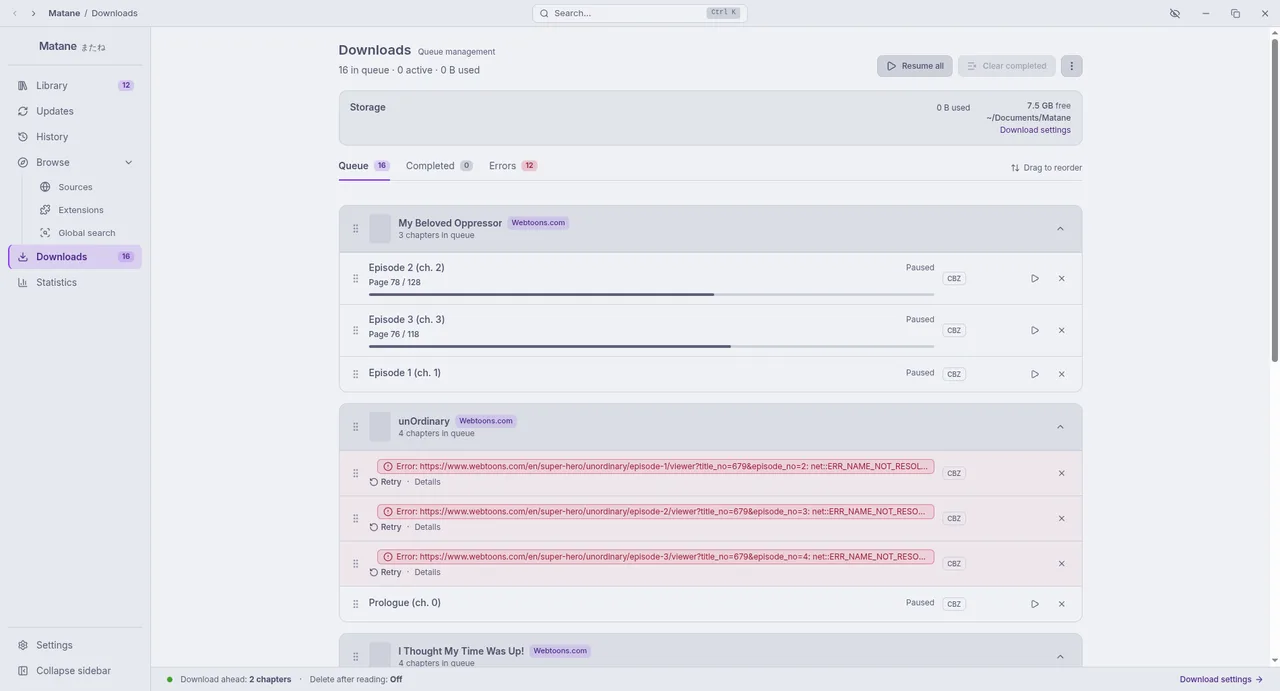
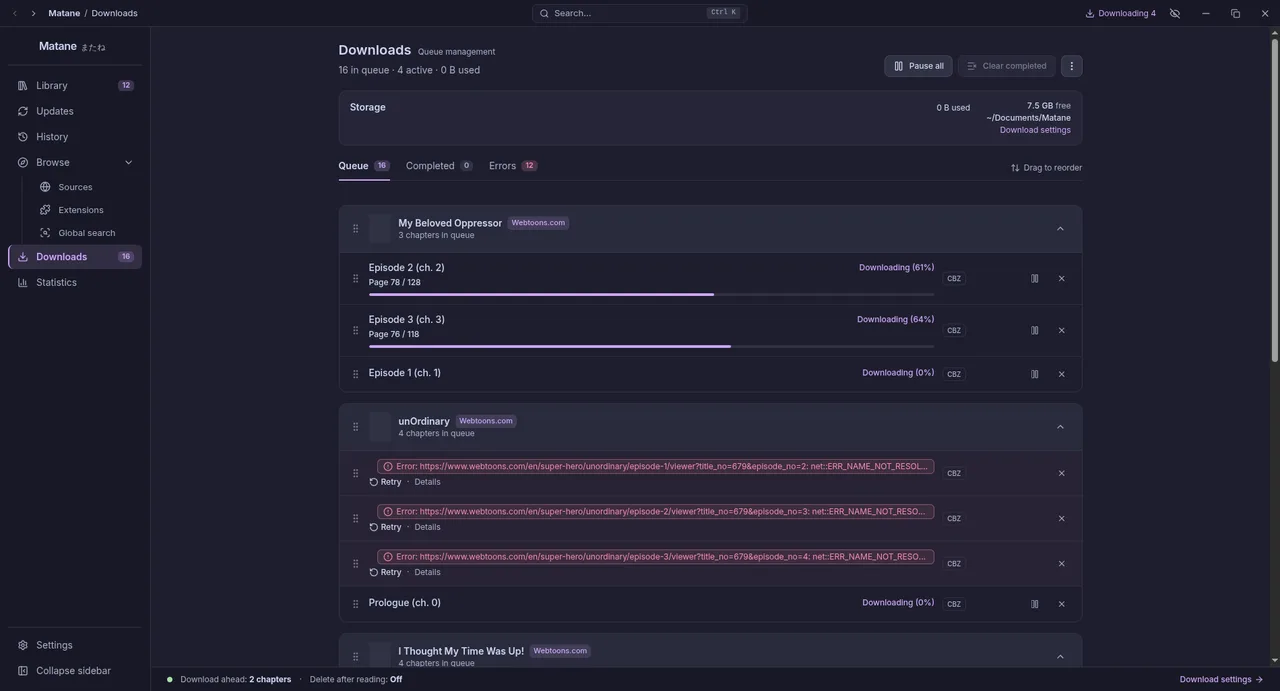
On a manga's page, select chapters and choose Download (or download the next unread ones). The Downloads page shows the queue: pause, resume, reorder, retry or cancel.
Settings → Downloads:
- Folder: where chapters go, as
<Source>/<Manga>/<Chapter>. When you change it, Matane offers to move what is already downloaded. - Format: CBZ (one file per chapter, with
ComicInfo.xml, readable by other comic apps) or a plain folder of images. - Chapters at once and resume the queue on start.
- Size limit: past it, automatic downloads stop (you can still download by hand).
- Download ahead: while you read a manga from your library, the next unread chapters download.
- Delete after reading, right away or after a few more chapters are read.
- New chapters found by the library update can download by themselves.
Automatic downloads
- Download new chapters automatically (Settings, Library, Library updates) queues unread new chapters after a check. It can be limited to manga you started, and set per category: Include (only those categories) or Exclude (never this one). The size limit applies.
- Download ahead (Settings, Downloads) saves the next unread chapters while you read a manga from your library.
- Delete after reading removes a chapter once you finish it, right away or after a few more, and can keep bookmarked chapters and whole categories.
Reading offline
Downloaded chapters open without a connection, from the same reader. Chapters you read but did not download stay in the page cache for a while (its size is in Settings → Data & storage), so recently read chapters usually work offline too.
When the computer goes offline, Matane says so. Your library, history, downloads and chapters already read keep working; browsing sources needs the internet, and checks that came due while offline run when the connection is back.
Sources that are gone
If a source removes a chapter you downloaded, it stays readable and is marked "Removed from source". If an extension is uninstalled, its manga stay in your library as "source not installed" with their downloads.