
Command palette
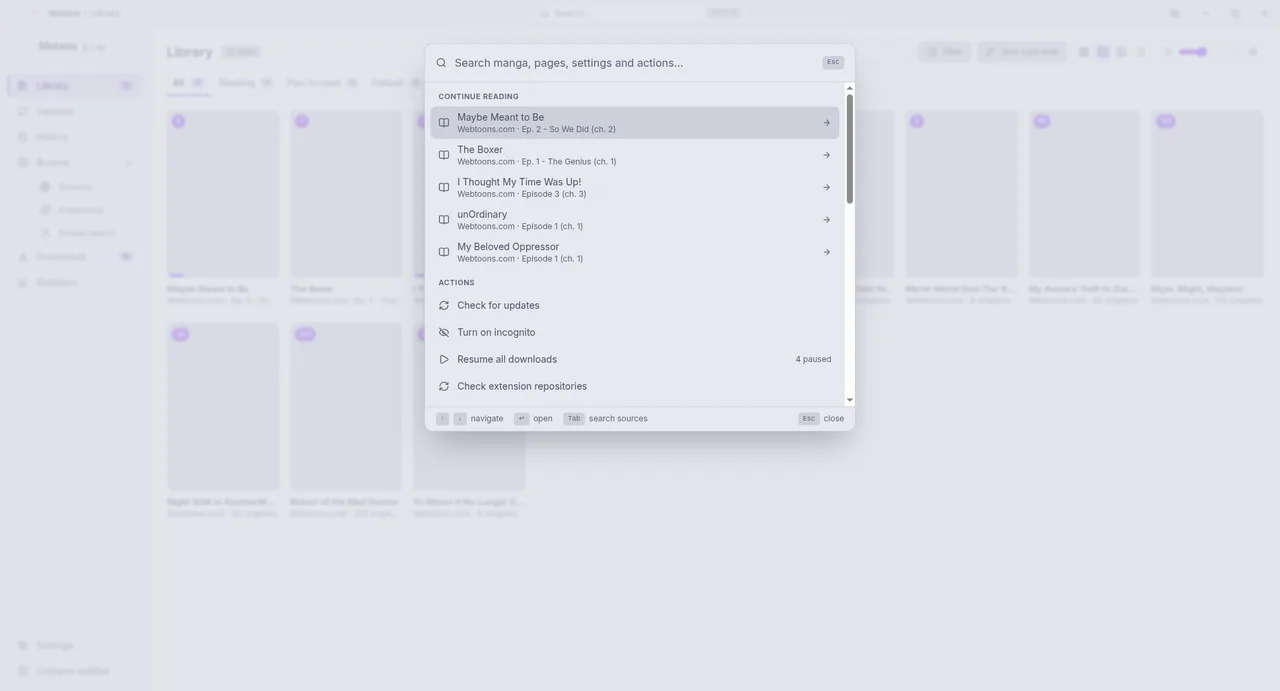
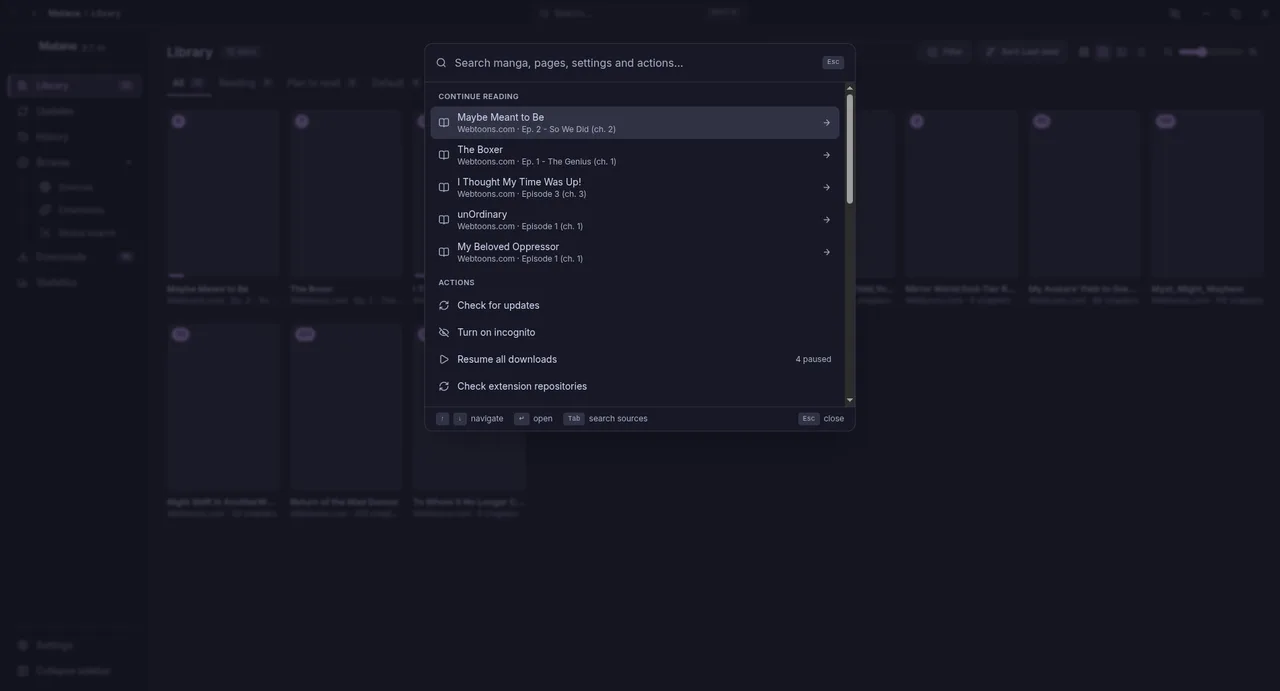
Press Ctrl+K (⌘+K on macOS) anywhere in the app. Type to search; the results are grouped:
- Continue reading: the manga you left unfinished, with the next chapter. Choose one to resume.
- Library: manga in your library, with how many chapters are unread.
- Go to: any page of the app and its settings.
- Actions: Check for updates (new chapters), Turn on or off incognito, Pause all downloads or Resume all downloads, Check extension repositories, Open reader settings and Back up now.
- Search "your text" in all sources starts a global search.
Move with ↑ and ↓, open with Enter and close with Esc; the bottom of the palette shows the keys that work.