
New episodes
The app checks the anime in your library for new episodes on a schedule you choose. This is separate from updates of the app itself and from extension updates.
How the check works
Settings, Library, New episode checks sets how often to check: off, every 6, 12 (default), 24 or 48 hours, or weekly. It also checks when the app opens if the interval has passed, and waits while you are offline. You can check by hand for everything (Check now on the Updates page or Check for updates in the command palette), for a category or for one anime. Three anime are checked at a time; errors are recorded per anime.
- An episode counts as new only if the app found it after you added the anime to the library. Episodes that were already listed when you added it never show up as new.
- Library and category checks skip completed anime (on by default), anime you never watched, and anime with more than N unwatched episodes. Checking a single anime always ignores these rules.
- If a source drops an episode you watched, started, downloaded or have in history, the app keeps it; an empty list from a source never deletes anything.
The Updates page
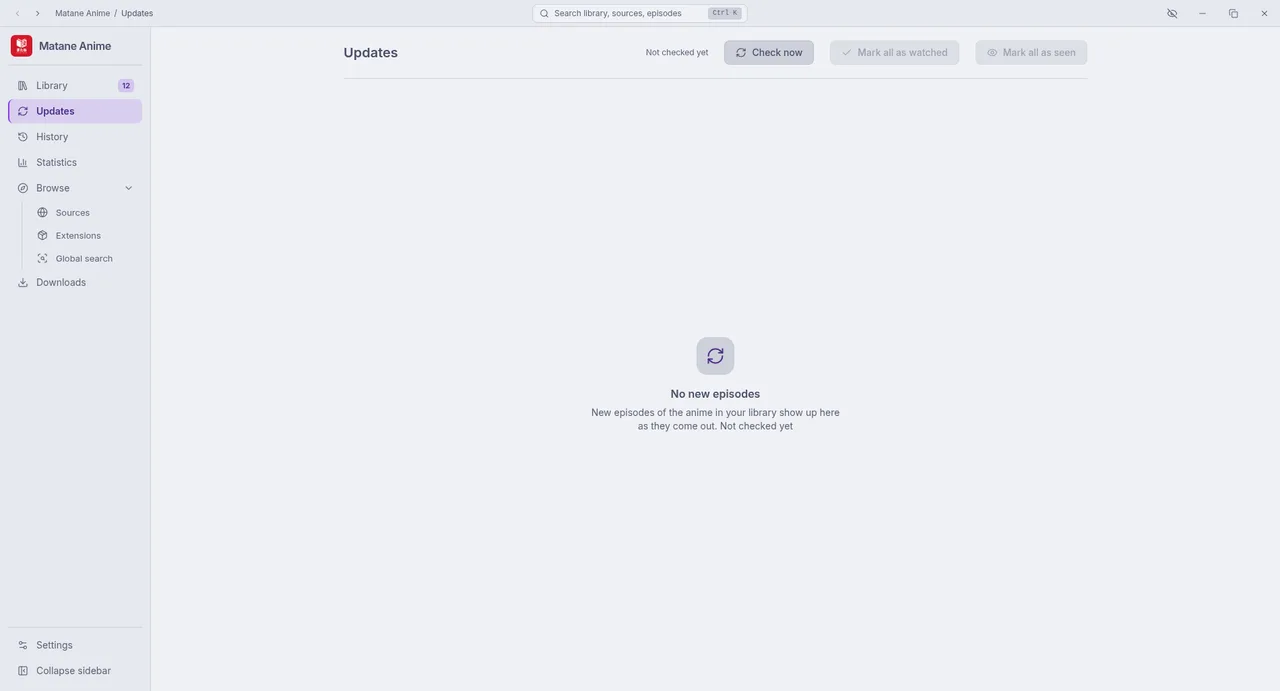
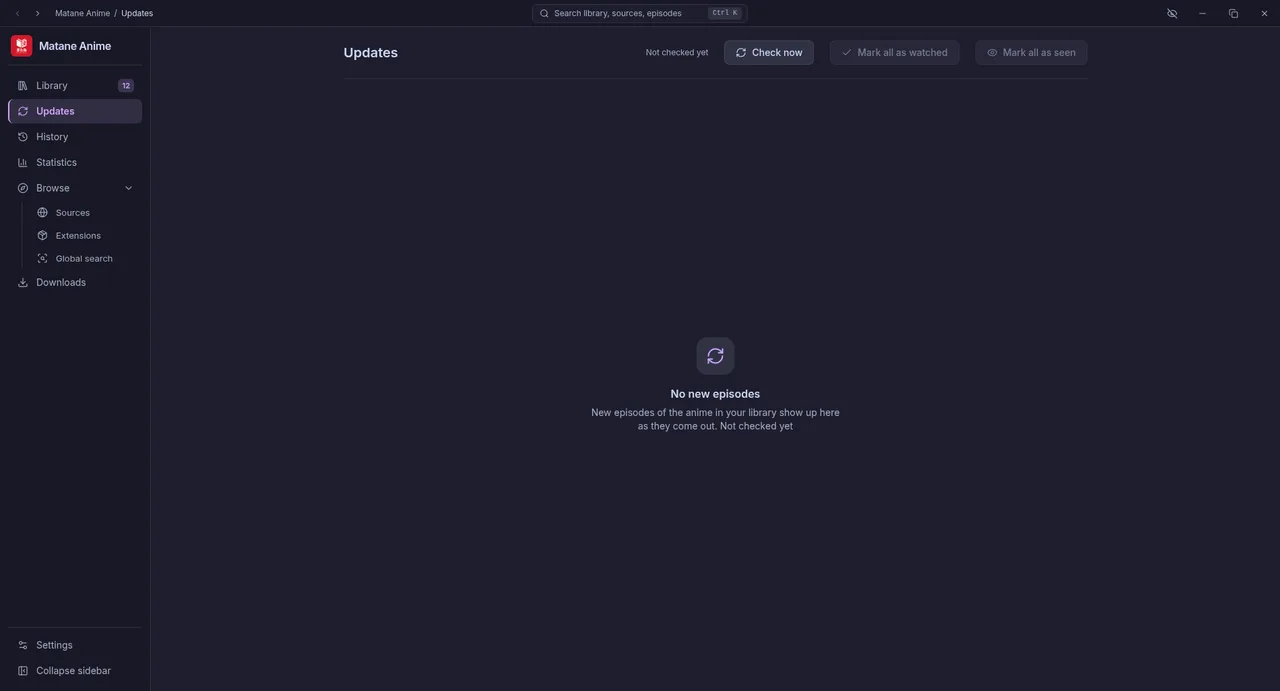
New episodes appear on Updates, grouped by date, with a badge in the sidebar.
- Play, Download or Mark as watched an episode, or select several and act on them together.
- Mark as seen takes episodes off the list and the badge but leaves them unwatched; Mark all as watched also marks them watched.
- Download all of a day downloads everything listed under that date. An episode that cannot be downloaded says why (size limit, disk space, extension not installed, live stream, no stream).
- If some anime could not be reached in the last check, a notice lists them with a Retry.
A desktop notification groups new episodes (for example "5 new episodes from 3 anime"); clicking it opens the Updates page.
Automatic downloads
New episodes can also be downloaded for you: see Automatic downloads.
Running in the background
Checks run while the app is running. Settings, General, System can start the app with your computer and keep it in the system tray when you close the window, so checks and downloads continue. On Linux the tray needs a desktop that supports AppIndicator.