
Extensions and repositories
Matane Anime ships no sources, no extension repositories and no signing keys, and it never suggests any. A source is an extension that you add yourself. Which extensions you use, and what they show you, is your decision and your responsibility.
Adding a repository
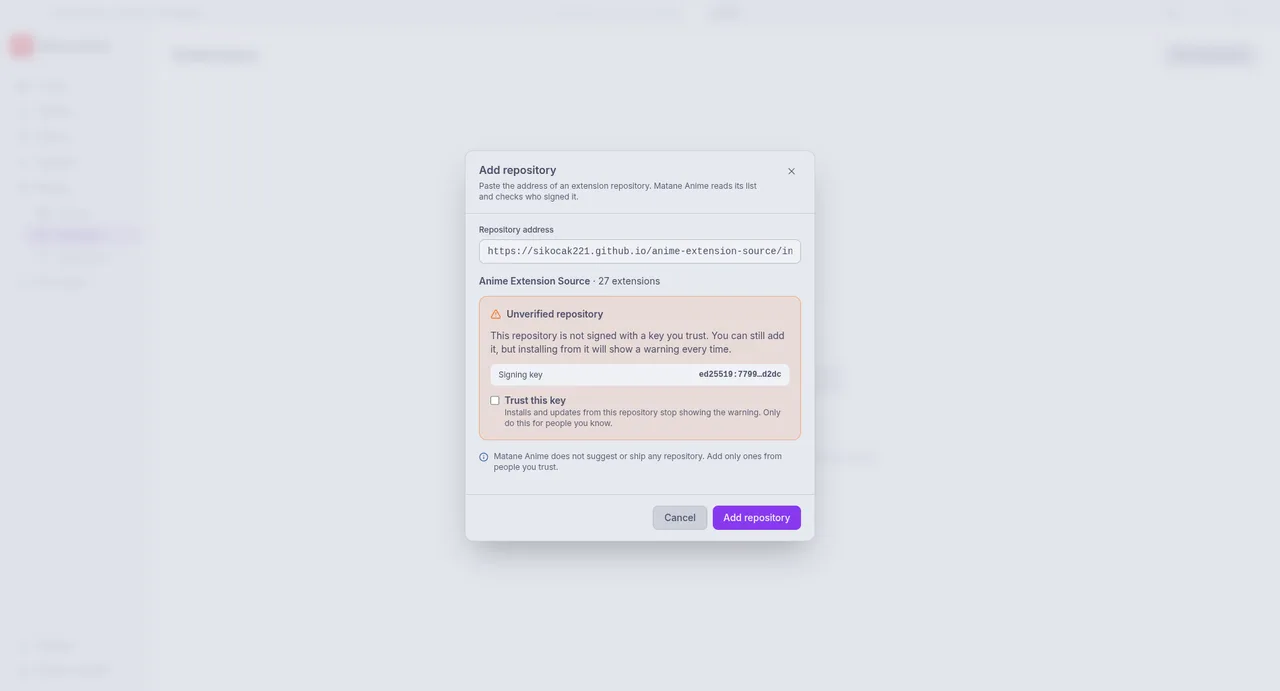
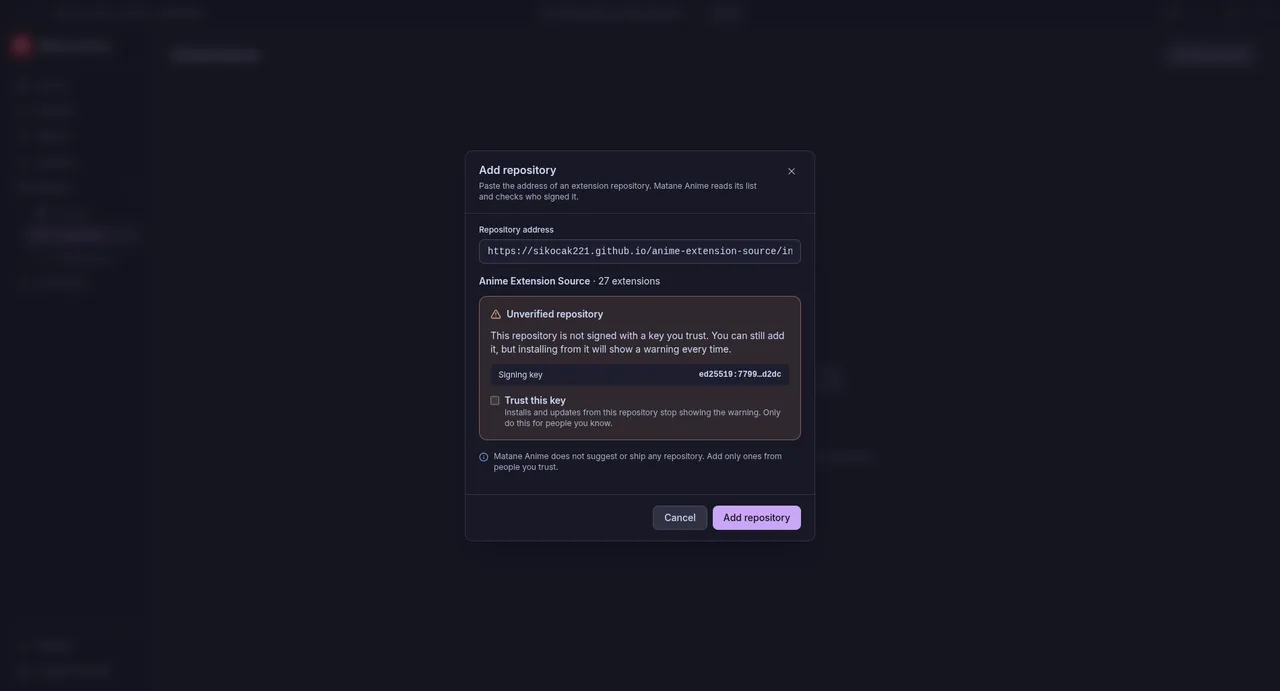
A repository is a web address that someone publishes (a static folder with a signed index.json). Where to find one is up to you; the app does not tell you.
WARNING
Add only repositories you trust. An extension decides what a source shows you, and it is your responsibility what you add.
- Open Browse, Extensions and choose Add repository.
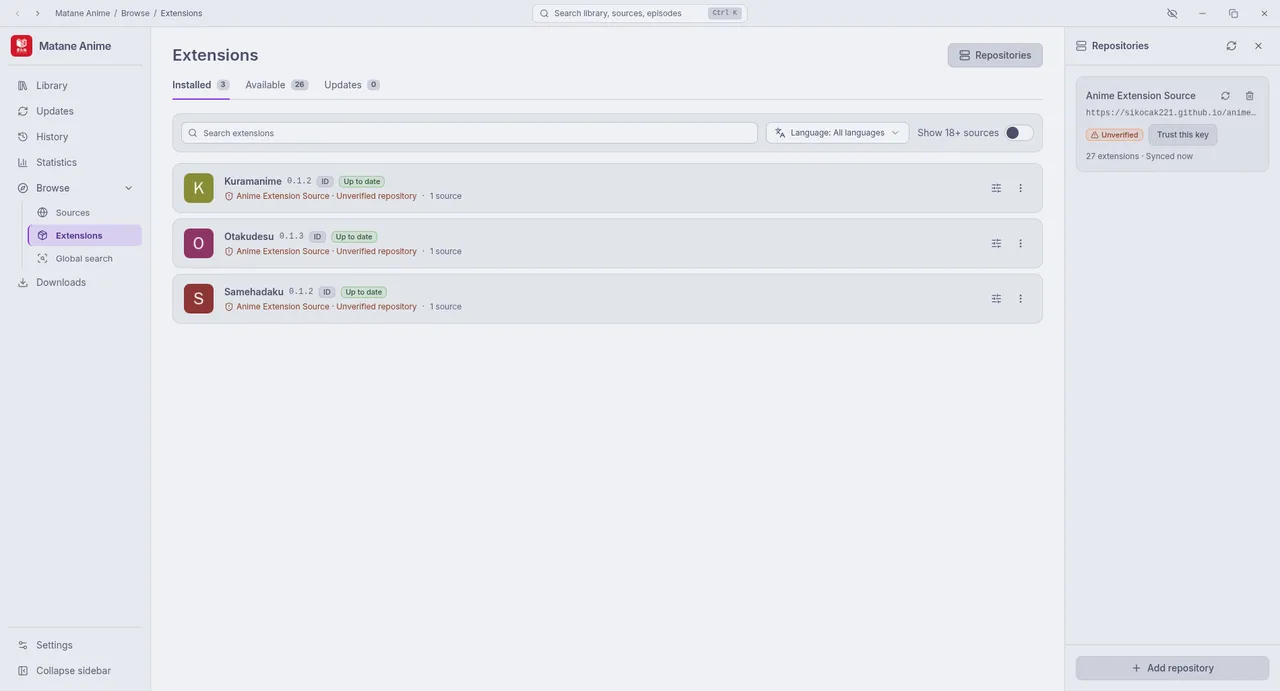
- Paste the repository address. The app downloads its index and shows the name, how many extensions it lists and, if it is signed, the fingerprint of its key.
- Decide whether to trust the key. If you trust it, the app holds the repository to that key from then on. If you do not, you can still add it as an unverified repository, and you get a warning each time you install from it. A repository with an invalid signature cannot be added.
Installing, updating and removing
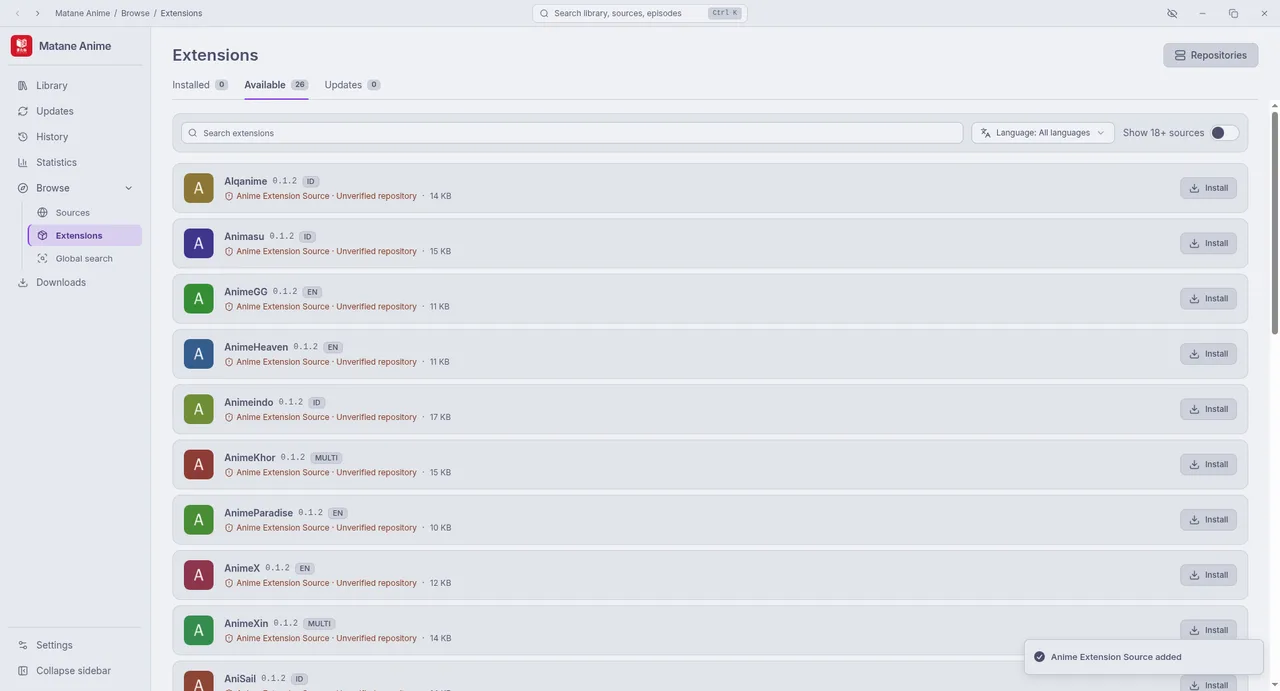
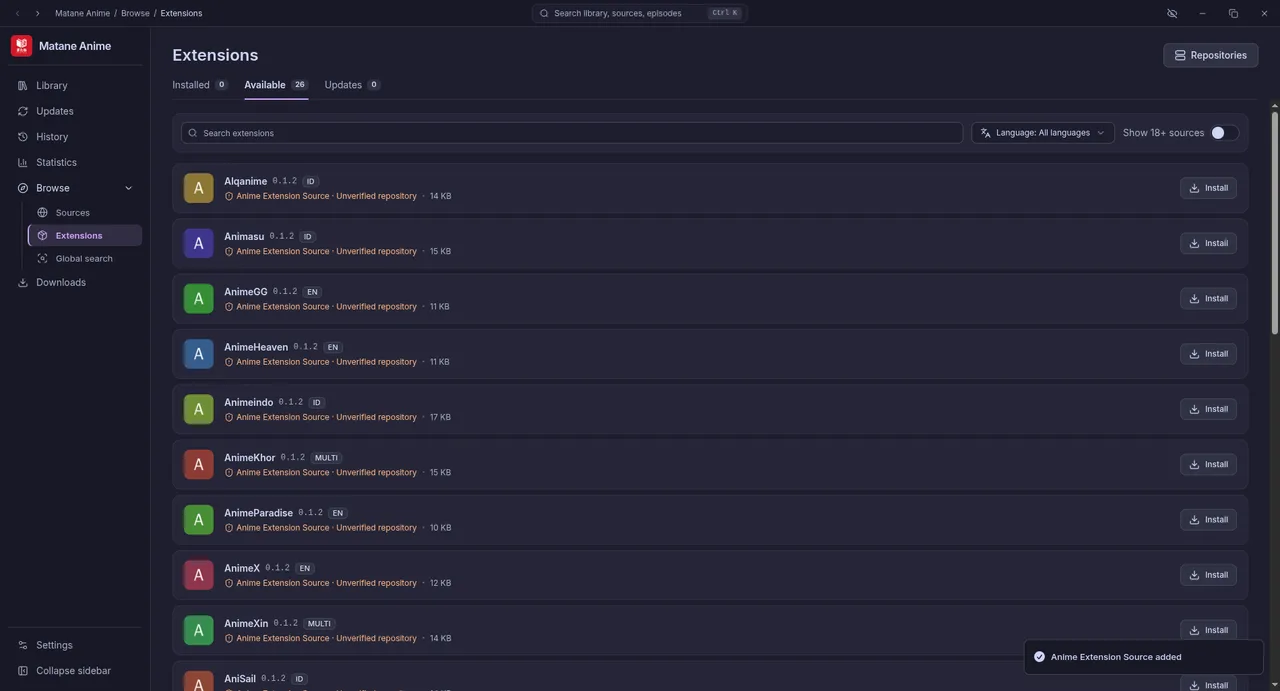
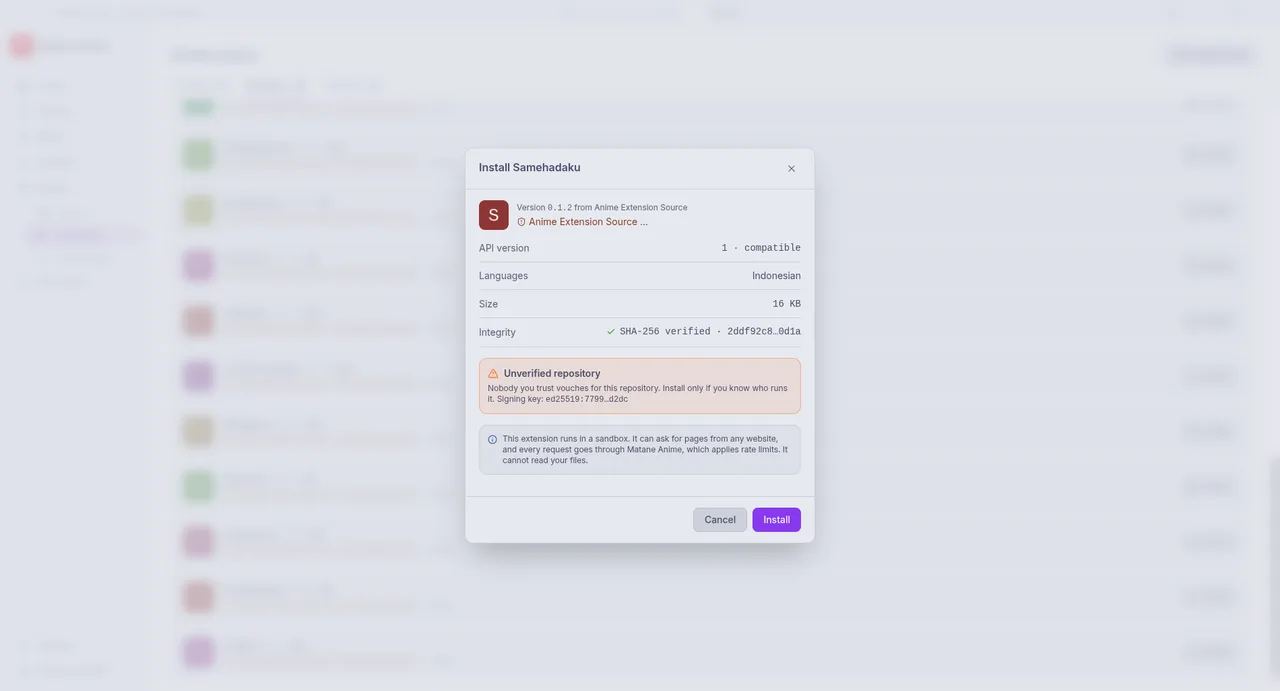
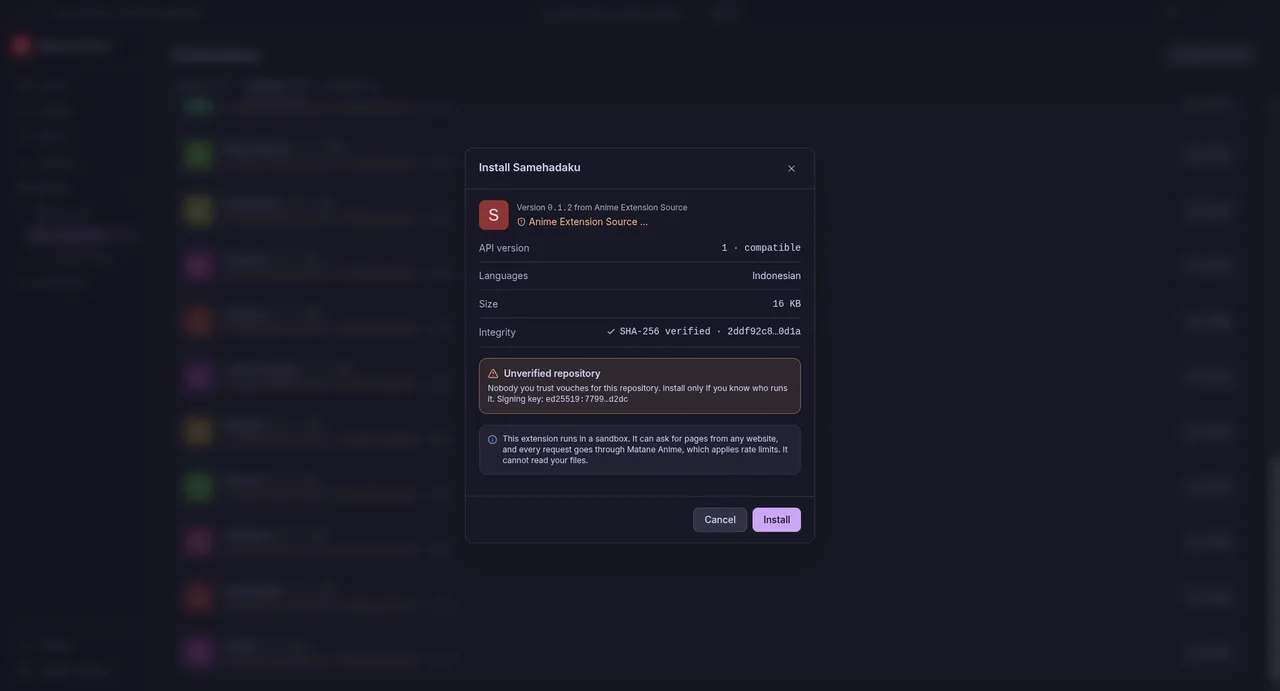
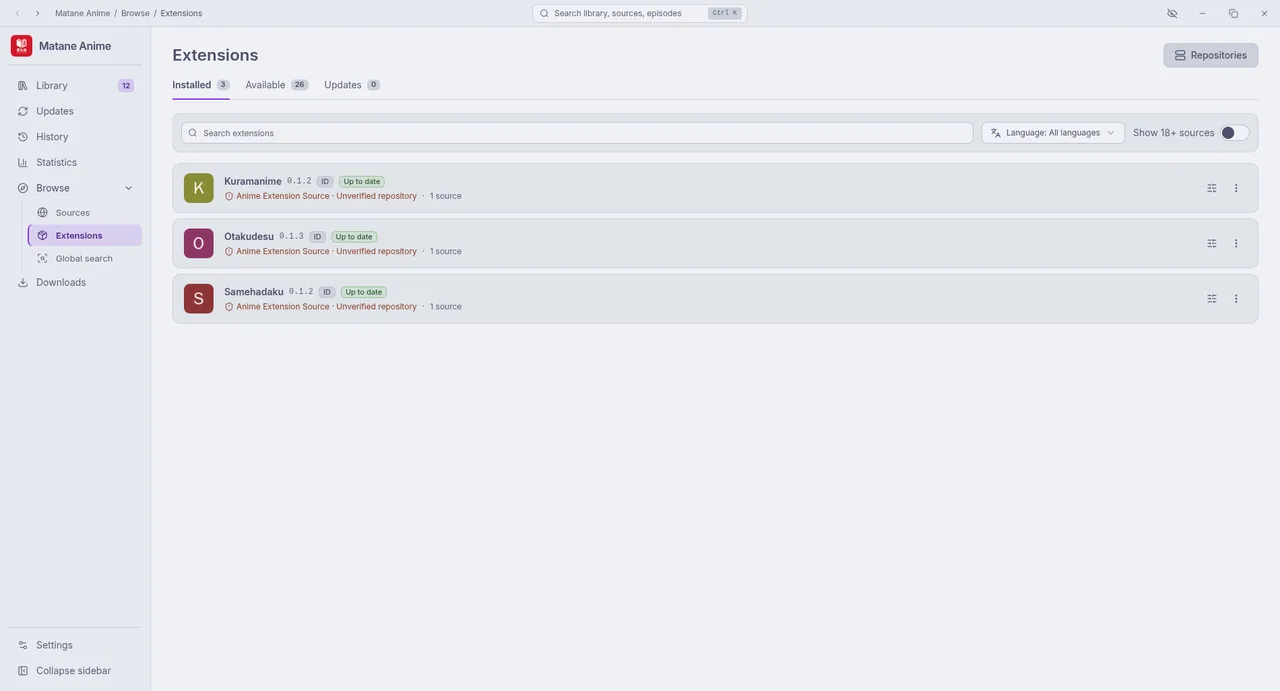
- Install has two steps: the app first downloads and checks everything (size, SHA-256, contents), then shows a dialog with the repository and its trust state, the extension's version, languages, size and SHA-256 and any warning (unverified repository, 18+). Nothing is written until you confirm. Installation is atomic: if anything fails, the previous version stays.
- Update comes from the same repository the extension was installed from, only to a strictly newer version.
- Uninstall removes the extension without touching your library or progress.
- If a repository changes its signing key or stops signing after you trusted it, the app refuses the new index and keeps the old one; you must remove the repository and add it again to trust a new key.
Extensions run in a sandbox with no network or file access of their own; everything goes through the app. The details are in the repository guide.
Managing repositories
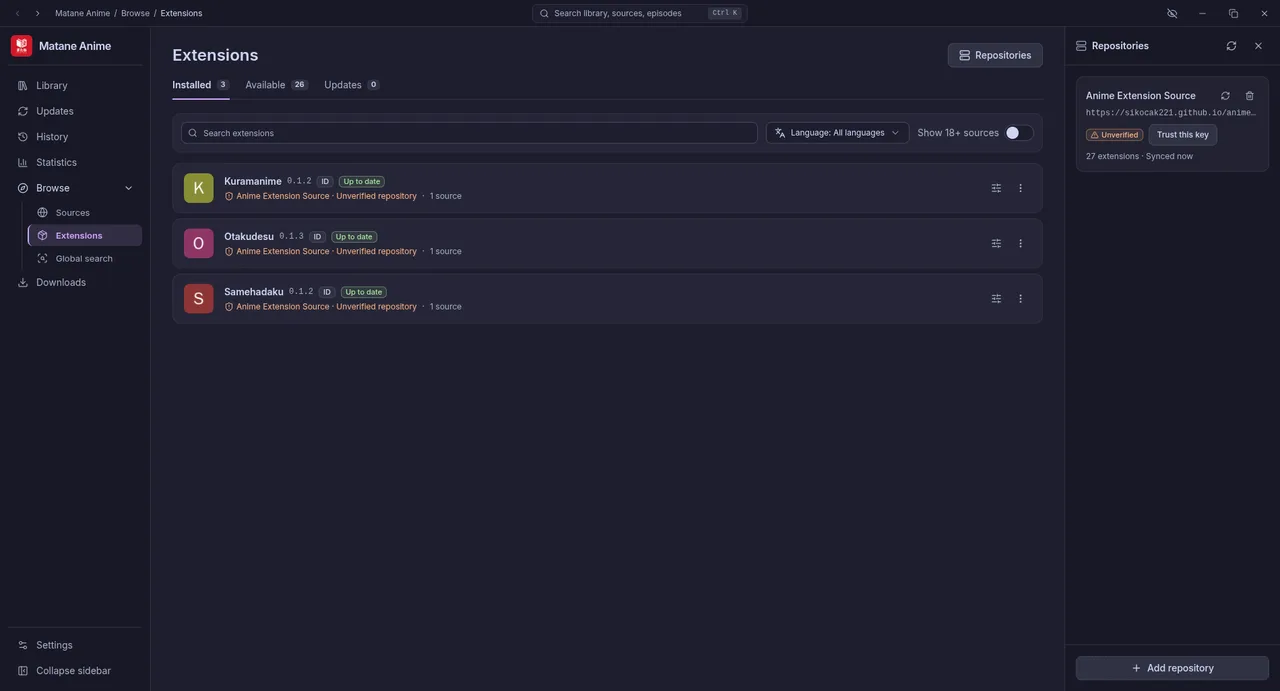
The Repositories button on the Extensions page opens the list of repositories you added, with how many extensions each lists and when it was last synced. From there you can check a repository again, trust or stop trusting its key, or remove it.
Filters
In Settings you can limit extensions by content language and choose whether to show 18+ sources (Show 18+ sources). These are enforced in the app.
Developer mode
For extension authors: turn on Settings, Advanced, Developer mode, then Extensions, Load from folder and pick a folder built with ma-ext build. The app reloads it when you rebuild, and a dev folder wins over an installed extension with the same id. See Writing an extension.
If a source stops working
A source breaks when its site changes. That is fixed in the extension, not in the app: update it from its repository, or report it to the extension's authors.