
Network
Every request to a source goes through the app, one separate session per extension, with a rate limit per extension (10 requests per second unless the extension says otherwise; media segments have a looser limit of their own). A request times out after 20 seconds, and network errors, 5xx and 429 are retried with backoff. The app shows when you are offline and postpones update checks.
Settings, Network has these options. They are applied to extensions and repository downloads alike.
DNS over HTTPS
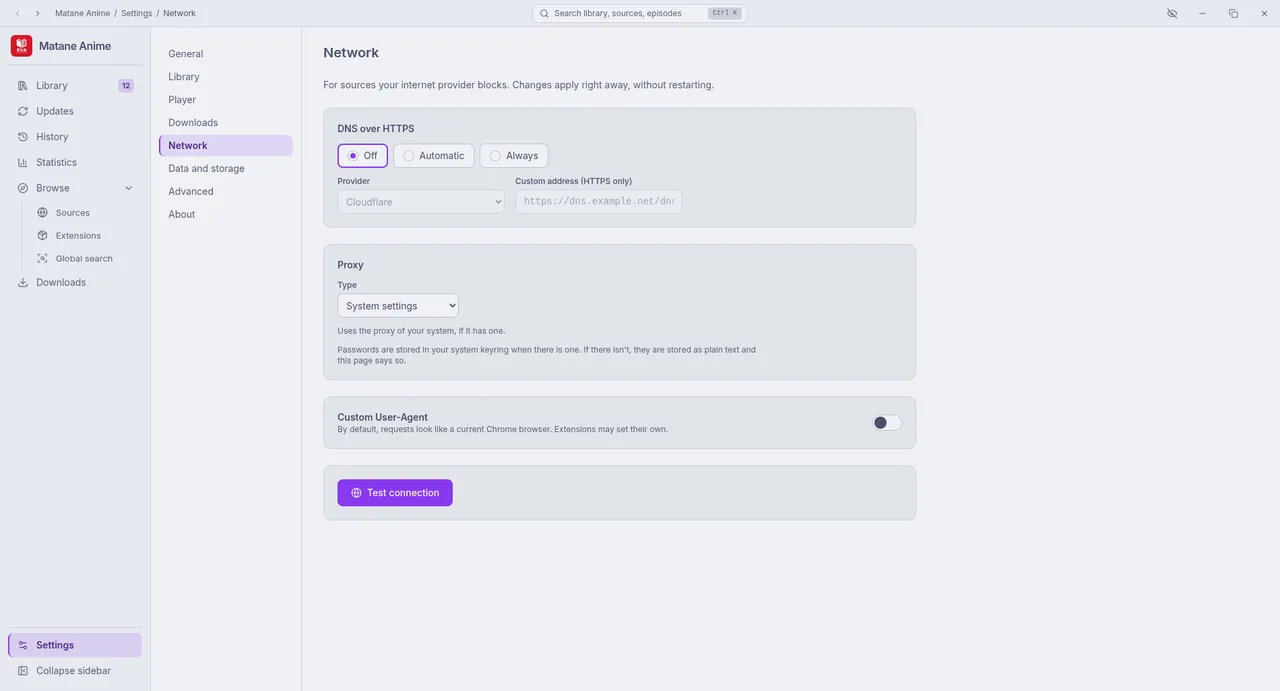
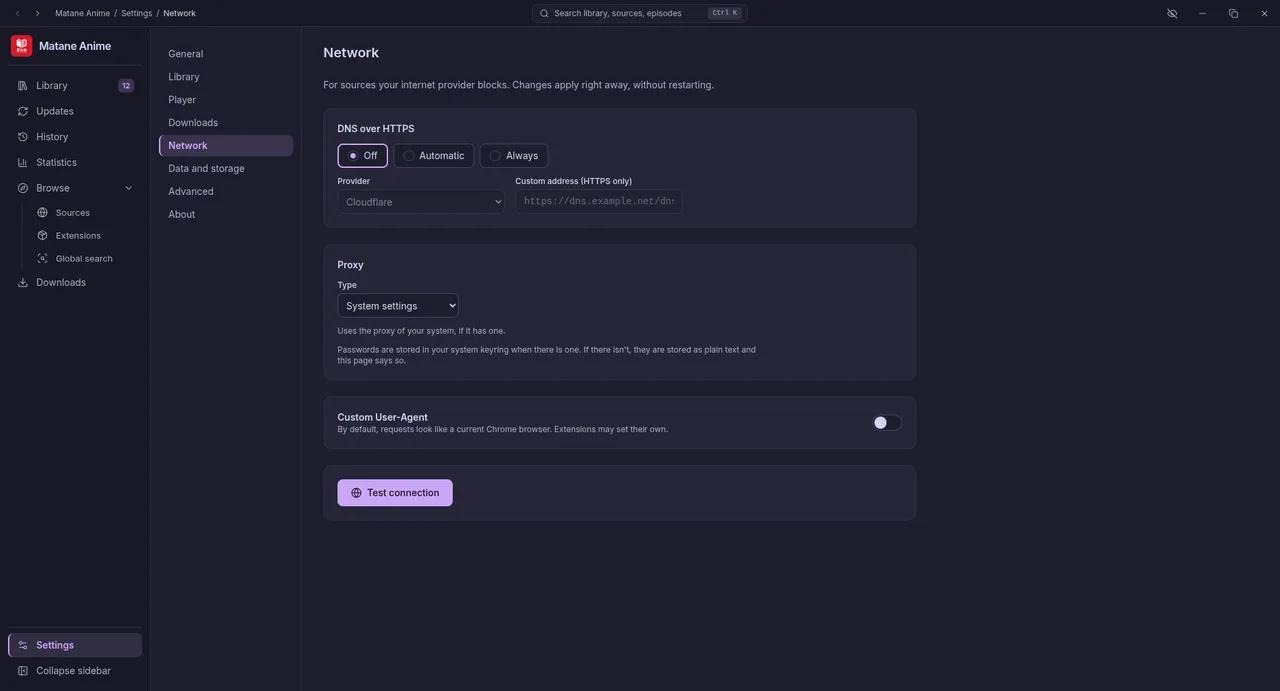
Off, automatic or always. Automatic tries the DoH server first and falls back to your system's resolver if it fails; always uses only DoH. You can use a preset (Cloudflare, Google, Quad9, AdGuard) or your own https address (plain http is refused). Use it when your provider blocks a site by DNS.
TIP
A source that fails everywhere on your network and works on another is usually blocked by DNS. Try Automatic first: it falls back to your system's resolver if the DoH server is unreachable.
Proxy
Use the system proxy, none, an HTTP proxy or a SOCKS5 proxy, with host and port and an optional user name and password. The password is stored encrypted with the operating system's keyring and is never shown again; if no keyring is available, it is stored in plain text and the page warns you. A proxy without a valid host and port is ignored and the system proxy is used. SOCKS5 proxies that ask for a user name and password do not work, because the browser engine cannot send them.
User-Agent
By default the app presents itself as a regular Chrome without the "Electron" token. You can set your own User-Agent. An extension can set its own, which wins over yours.
Test connection
Test connection loads a small test address (https://www.gstatic.com/generate_204) with the settings currently on the page, even before you save them, and tells you whether it worked and how long it took. Use it to check a proxy or DoH choice. While a test runs, the app's DNS settings are switched to the ones on the page for a few seconds and then put back.
Cloudflare challenges
If a site shows an anti-bot challenge, the app opens a hidden window to solve it and shows the window if it takes more than about 10 seconds, then repeats the request.