
Command palette
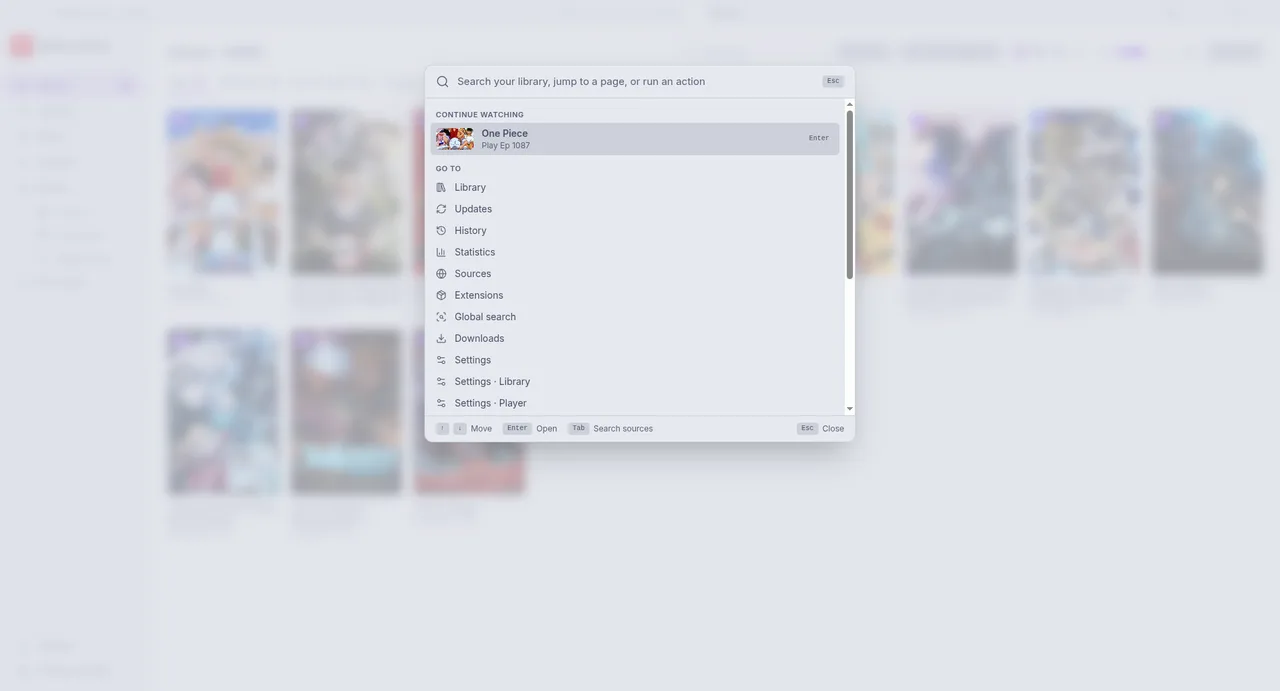
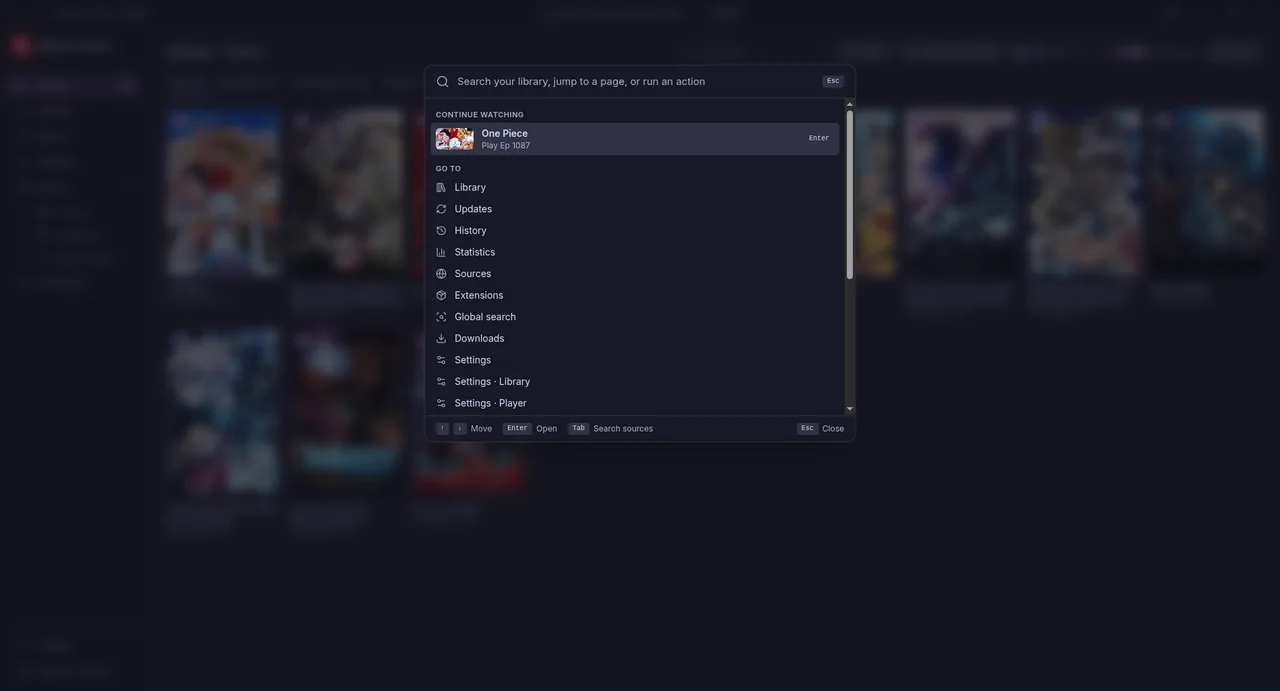
Press Ctrl+K (⌘+K on macOS) anywhere in the app, or use the search button in the title bar. It is not available inside the player.
Type to search; the results are grouped:
- Continue watching: the anime you left unfinished, with the episode and the time left. Choose one to resume.
- Library: anime in your library, found by title. Enter opens the anime's page.
- Go to: any page of the app (Library, Browse, Updates, Downloads, History, Statistics, Extensions, Settings and so on).
- Actions: Check for updates (new episodes), Pause all downloads or Resume all downloads, and Toggle incognito, which says whether it is on right now.
- Sources: Search "your text" in all sources starts a global search.
Move with ↑ and ↓, open with Enter and close with Esc. The bottom of the palette shows the keys that work for the selected result.