
Settings reference
Every page of Settings, with what each option does. Changes apply right away and are saved; there is no Save button, except where a page says so (Network has Test connection).
General
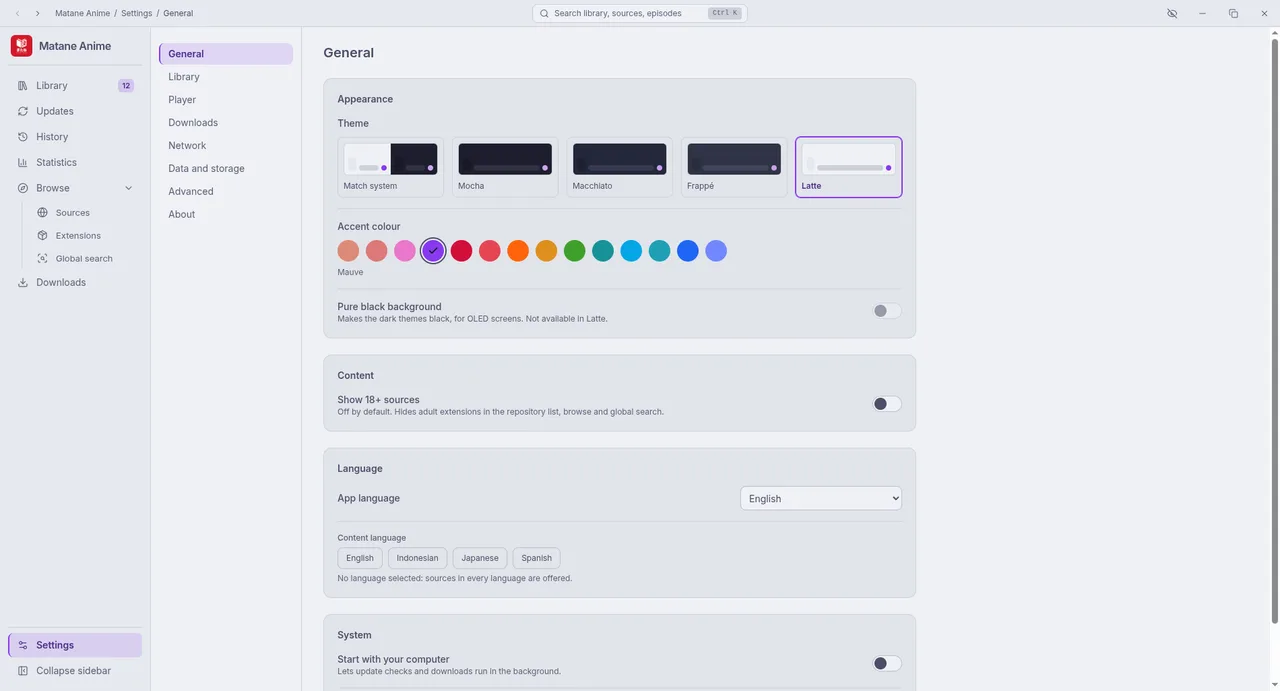
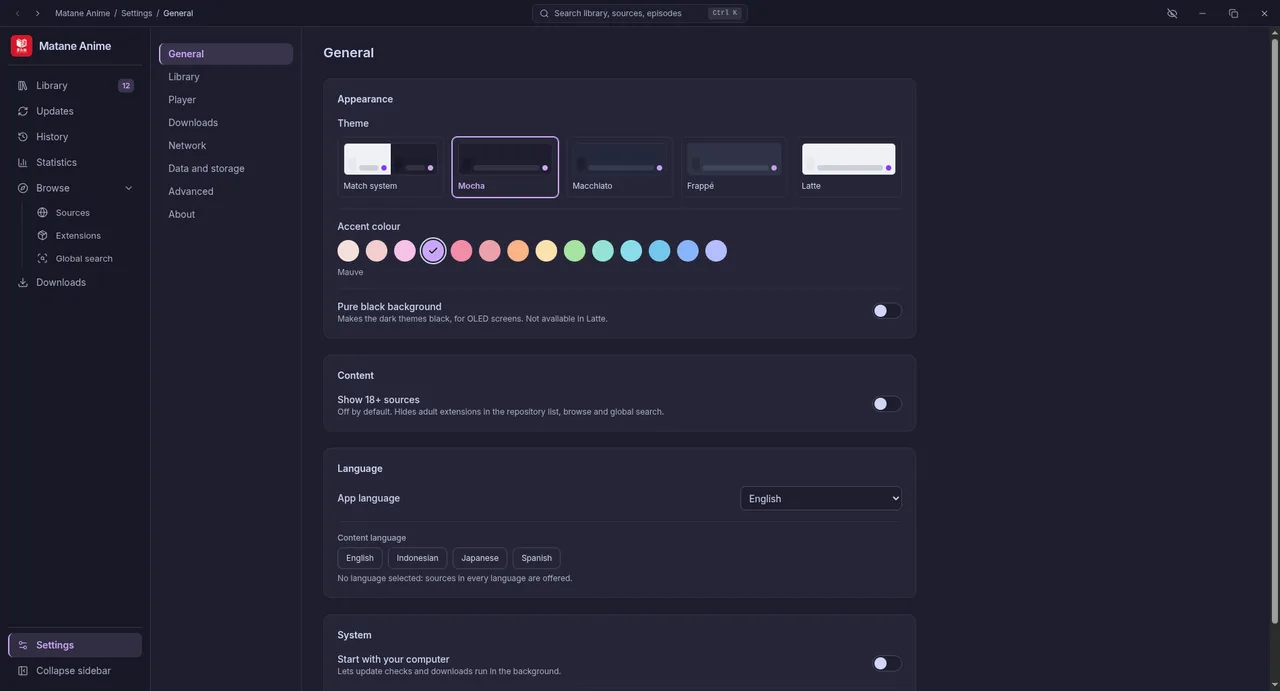
Appearance
- Theme: Mocha (the default, dark), Macchiato, Frappé (dark), Latte (light), or Match system.
- Accent colour: one of the 14 Catppuccin colors.
- Pure black background: makes the dark themes black, for OLED screens. Not available in Latte.
Language
- App language: English, Bahasa Indonesia, or match the system.
Content
- Show 18+ sources: off by default. Hides adult extensions in the repository list, Browse and Global search.
- Content language: limits the sources offered to the languages you pick (multi-language sources always stay). With none selected, every language is offered.
System
- Start with your computer: lets update checks and downloads run in the background.
- Close to the system tray: the window hides instead of quitting. On Linux, the tray needs a desktop that supports AppIndicator.
Library
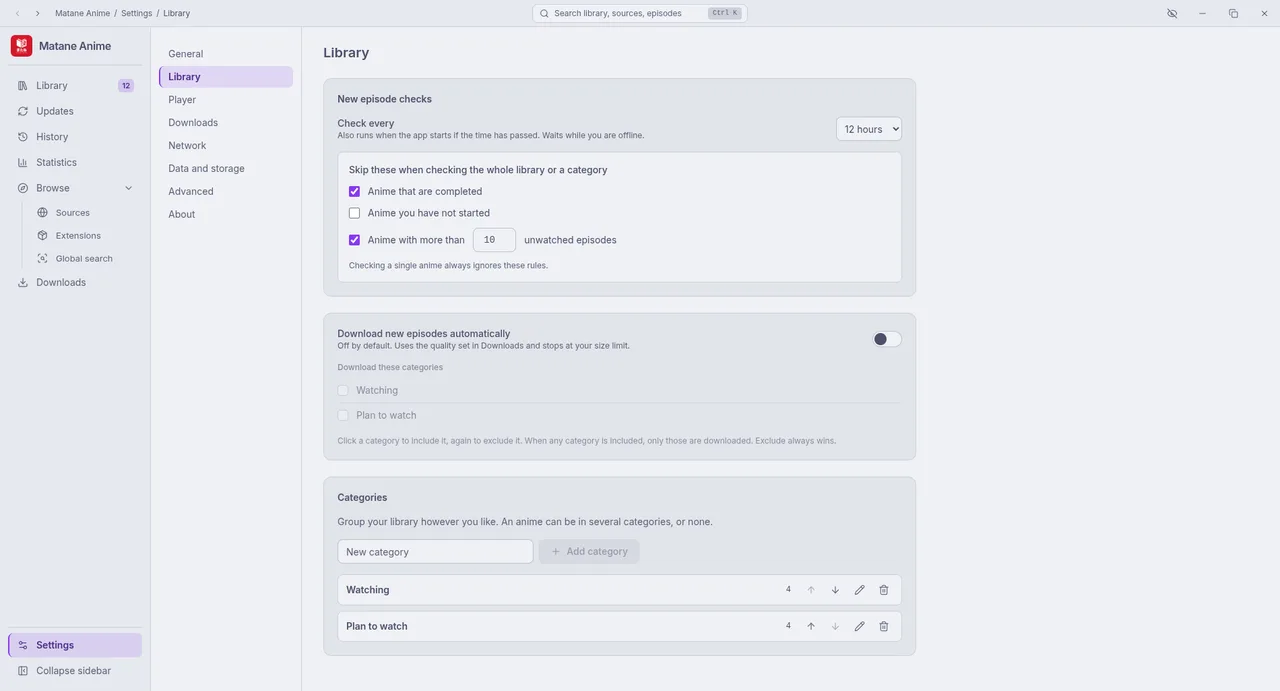
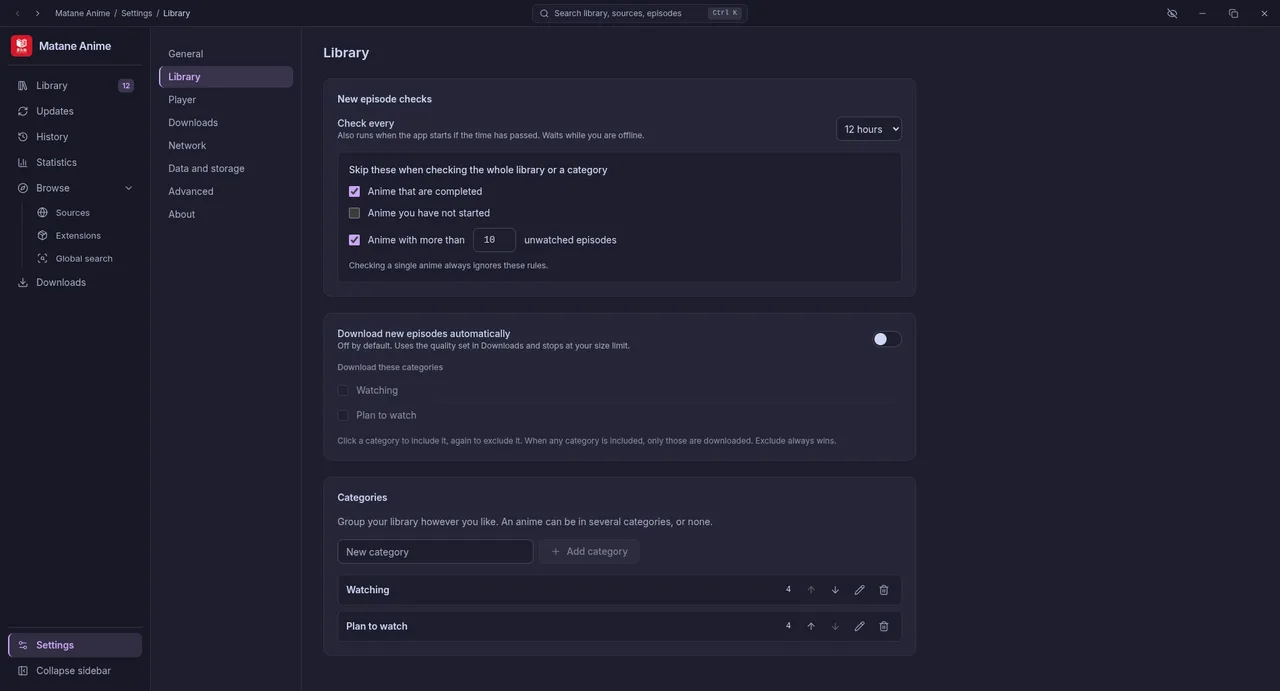
- Categories: add, rename, reorder and delete (Categories).
- New episode checks: how often to check, and which anime to skip (New episodes).
- Download new episodes automatically: off by default. Uses the quality set in Downloads and stops at your size limit. Click a category to include it, again to exclude it. When any category is included, only those are downloaded; exclude always wins.
Player
Playback options and keyboard shortcuts: see Player settings.
Downloads
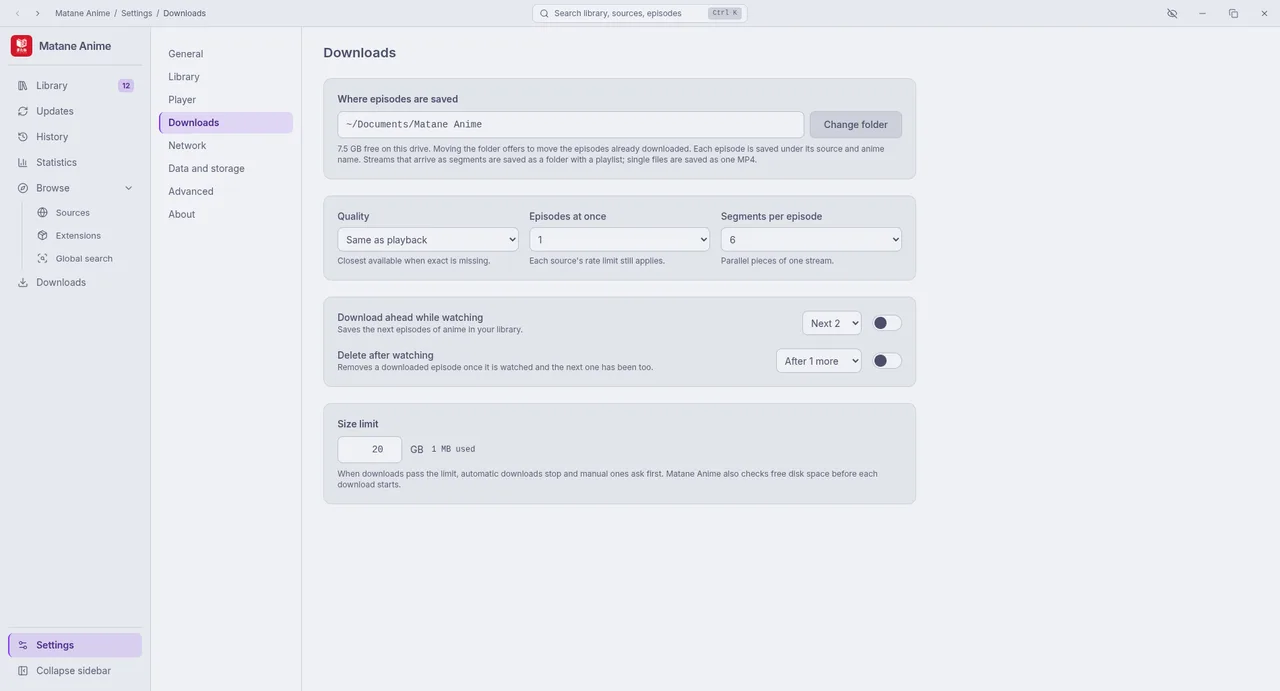
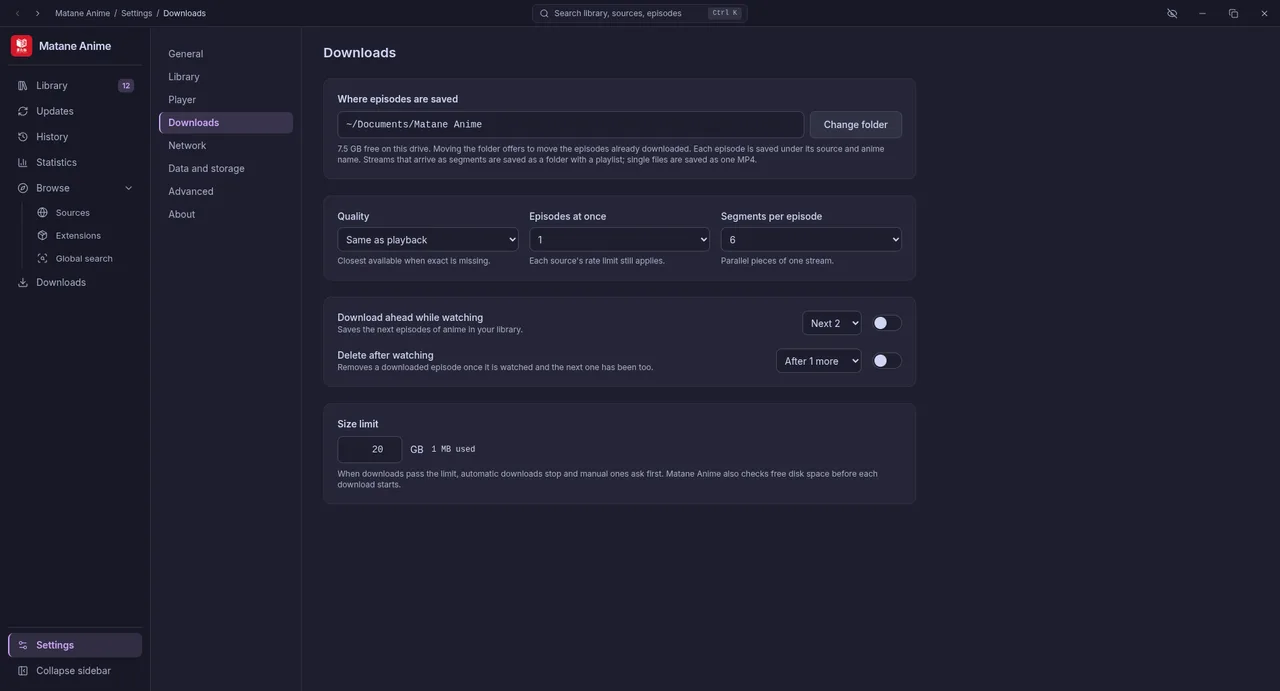
- Where episodes are saved: the download folder (free space on that drive is shown). Moving the folder offers to move the episodes already downloaded.
- Quality: same as playback, highest available, or 1080p to 360p. The closest available is used when the exact one is missing.
- Episodes at once: 1 to 3. Each source's rate limit still applies.
- Segments per episode: how many pieces of one stream are fetched in parallel.
- Download ahead while watching: saves the next episodes of anime in your library (you choose how many).
- Delete after watching: removes a downloaded episode once it is watched and the next one has been too, right away or after N more. Keep downloads for these categories exempts the anime in the categories you check.
- Size limit: 20 GB by default. When downloads pass it, automatic downloads stop and manual ones ask first. The app also checks free disk space before each download starts.
Network
DNS over HTTPS, proxy, User-Agent and Test connection: see Network. The settings apply right away, without restarting.
Data and storage
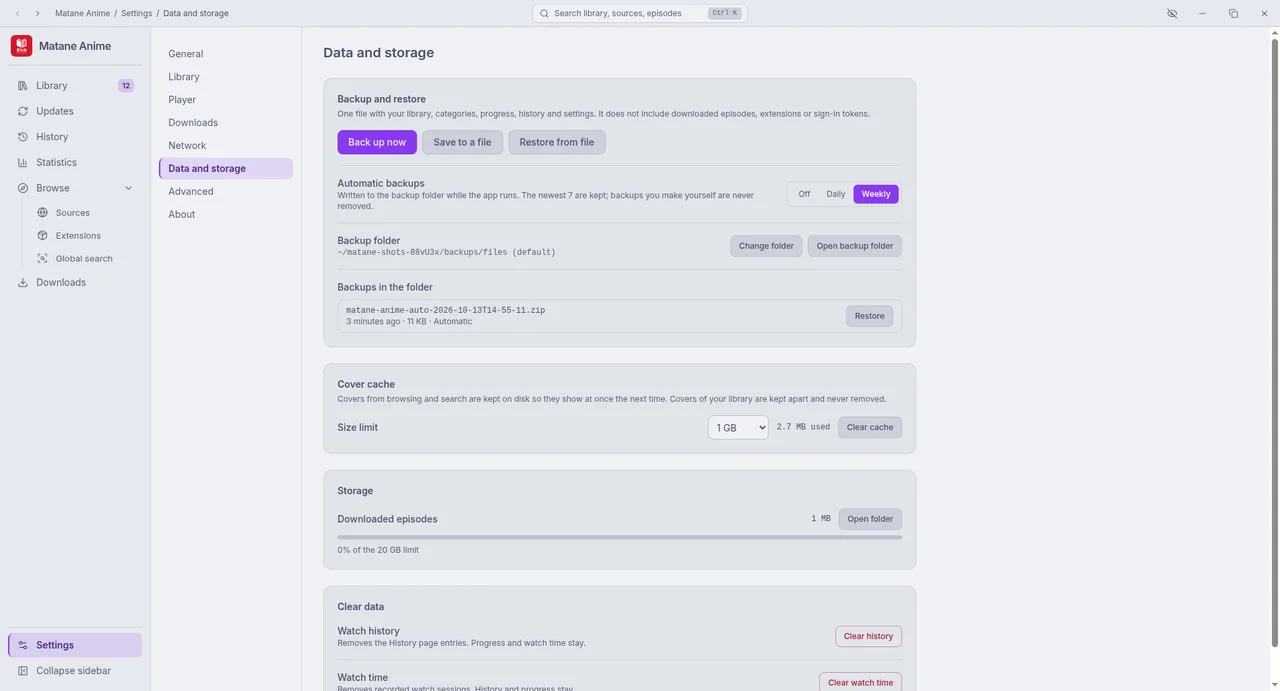
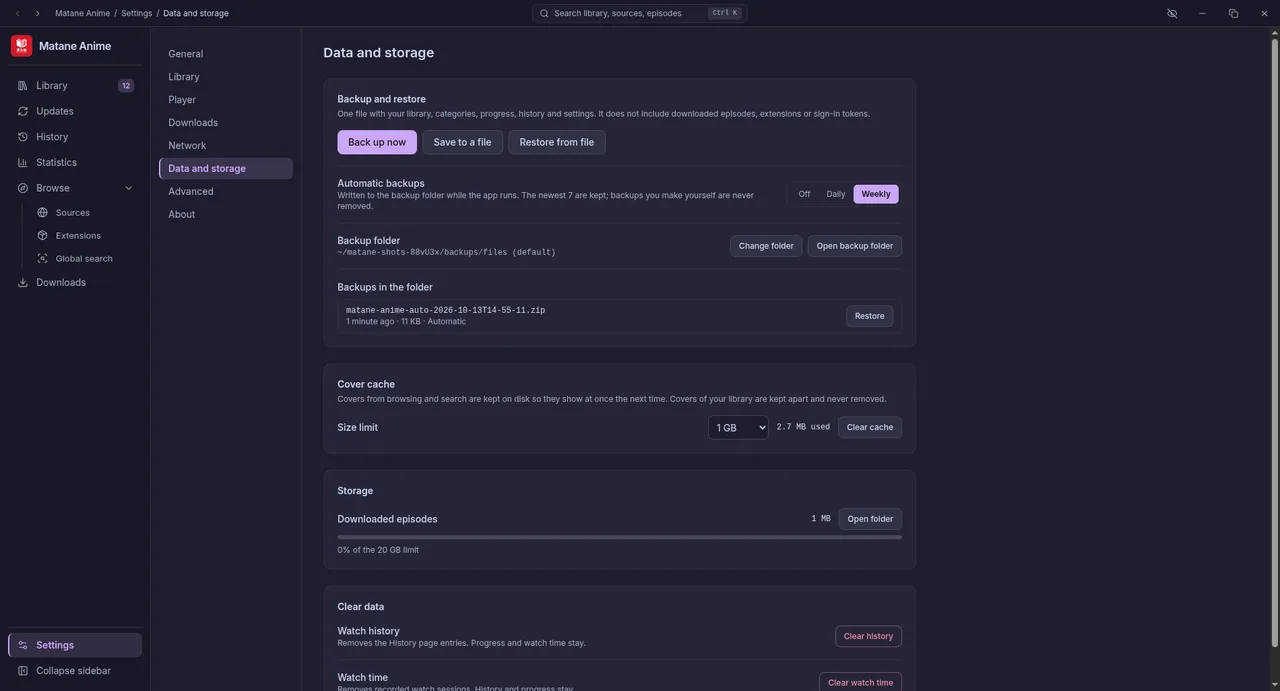
- Storage: how much the downloaded episodes use, against your limit, with Open folder.
- Backup and restore: see Backups.
- Cover cache: covers from browsing and search are kept on disk so they show at once the next time (with a size limit and Clear cache). Covers of your library are kept apart and never removed.
- Clear data: Clear history removes the History page entries (progress and watch time stay), and Clear watch time removes recorded watch sessions (history and progress stay).
Advanced
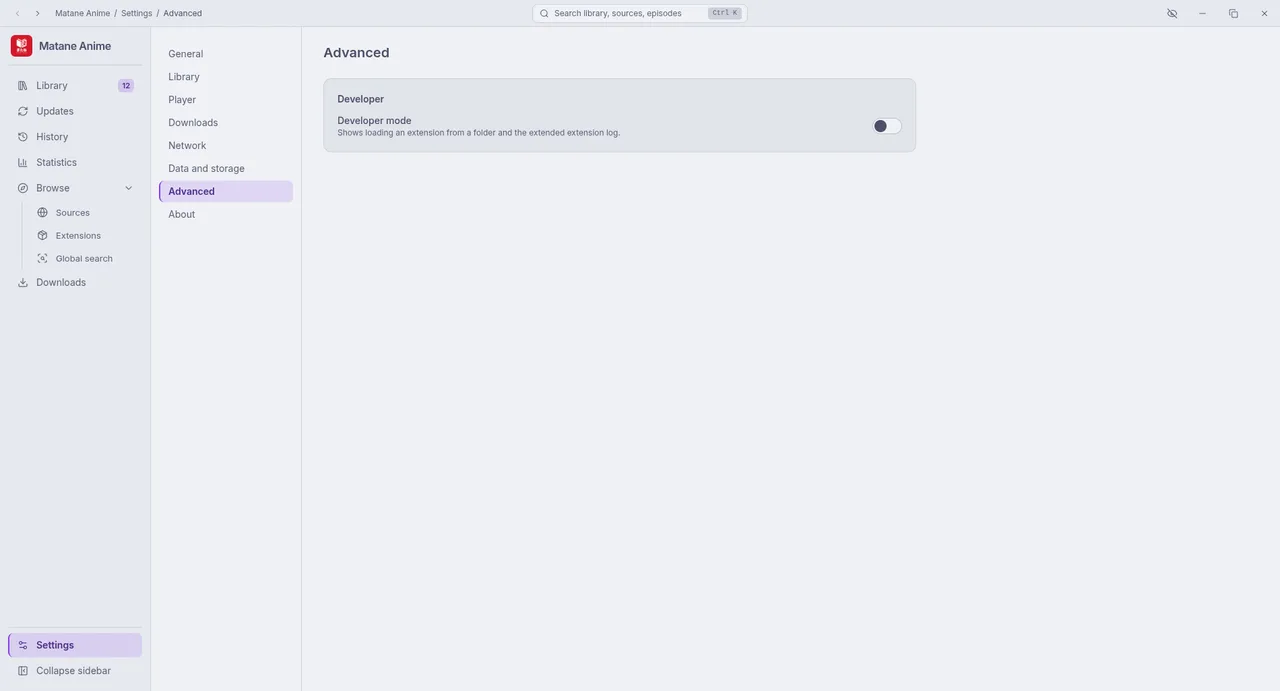
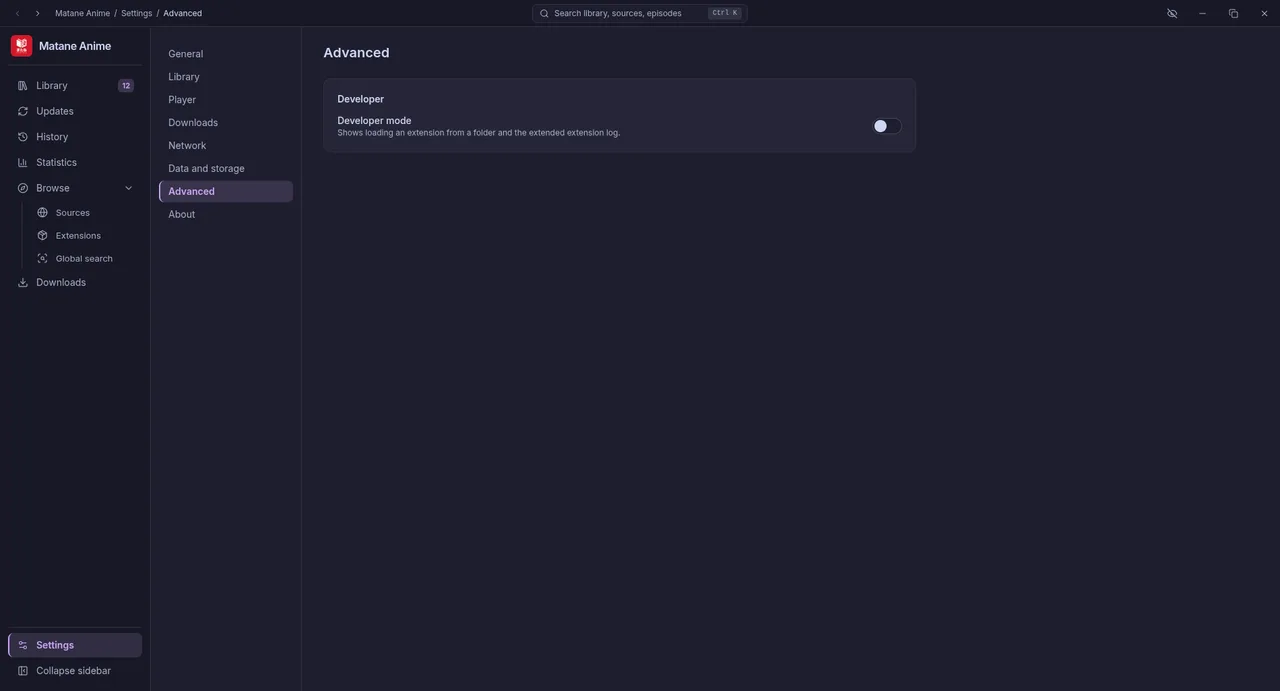
- Developer mode: shows Load from folder on the Extensions page and the extended extension log (Developer mode).
- Extension logs: pick an extension (or all of them) and a level (errors, warnings, info, debug), then Copy or Clear the log. This is the first place to look when a source misbehaves: see Diagnosis.
About
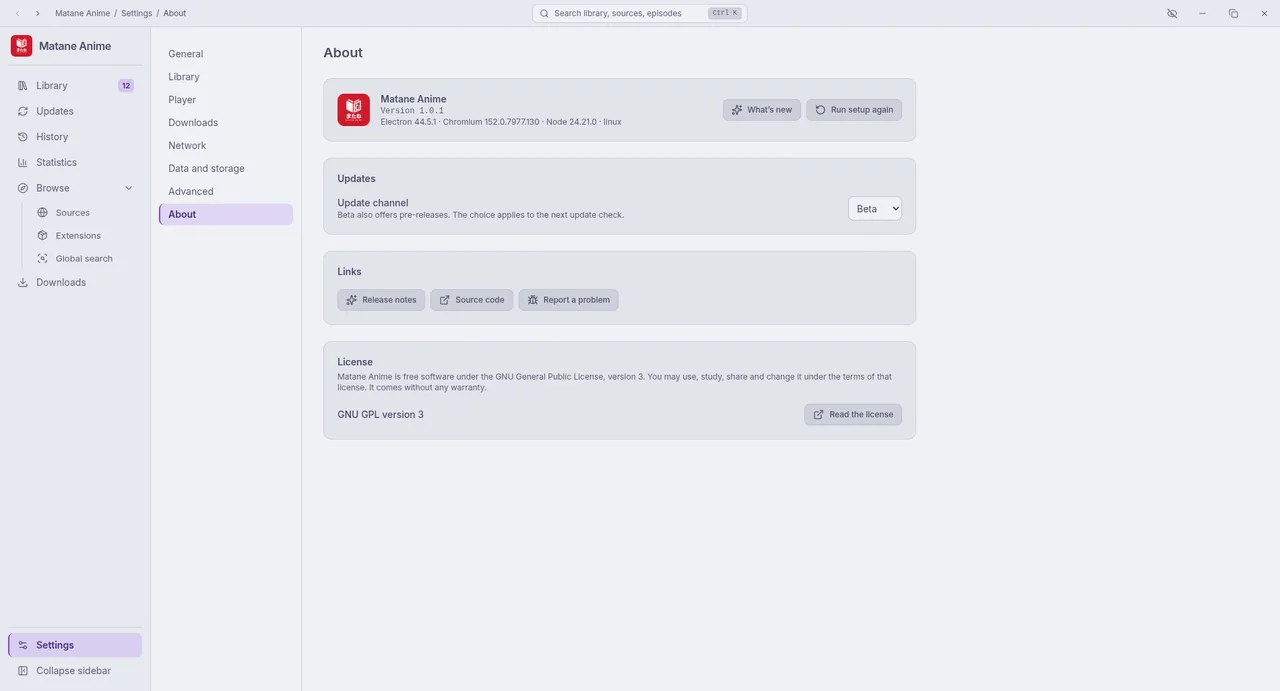
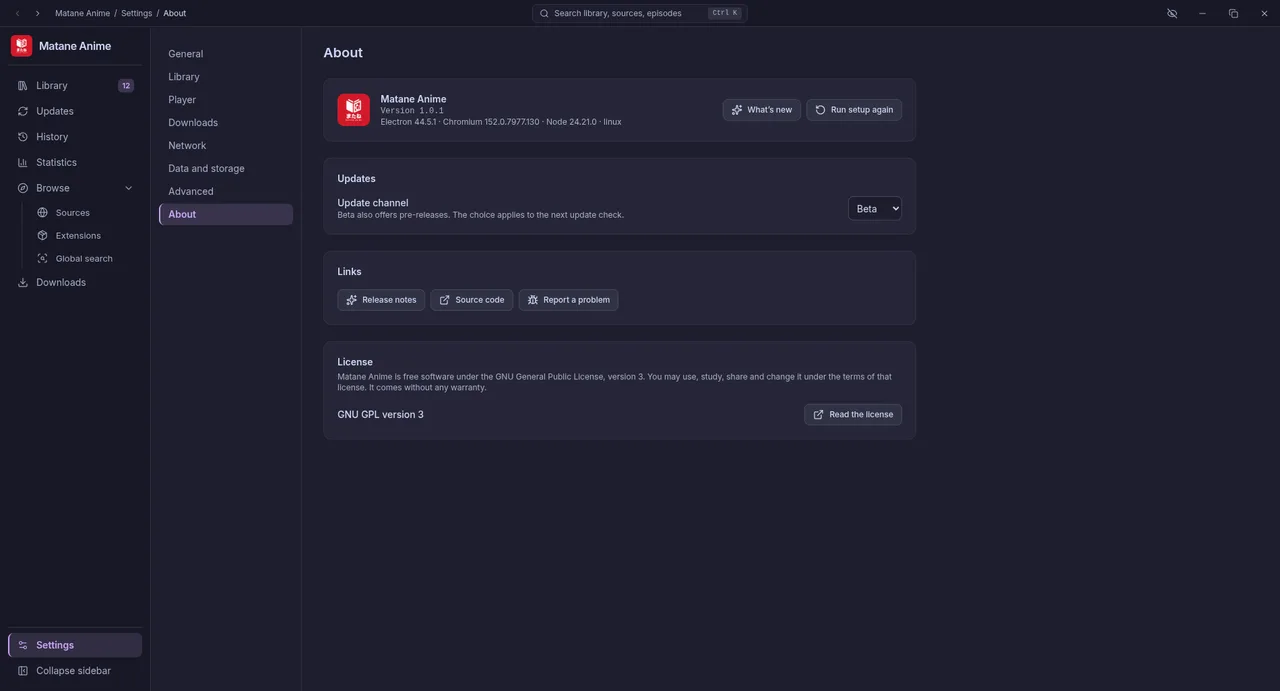
- The app's version, and the Electron, Chromium and Node versions it runs on.
- Update channel: Stable, or Beta, which also offers pre-releases. It applies to the next update check (Updating).
- What's new opens the changes dialog again; Run setup again repeats the first-launch questions.
- Links to the release notes, the source code, the issue tracker and the license (GNU GPL version 3).